
Free wallpaper collections
Aesthetic Wallpapers for iPhone & Android
Hand-picked aesthetic wallpapers in HD and 4K for your phone. New collections land here every single day, free forever, no signup needed.
✓ New wallpapers added daily · 100% free
15 fresh wallpapers added today
Start your day with a brand-new look for your phone. Every collection is hand-picked and sized perfectly.
HD downloads
No signup · No watermarks
See today’s collectionHow to download
New collections publish every morning. Come back tomorrow for 15 more.
100% Free Downloads
Every wallpaper free in HD and 4K
15 New Every Day
Fresh collections each morning
6 Categories
Aesthetic, iPhone, Pink and more
No Signup Needed
Tap, download, set as wallpaper
Find your style
Browse Wallpaper Categories
Six hand-picked collections. Pick a vibe and make your phone yours.
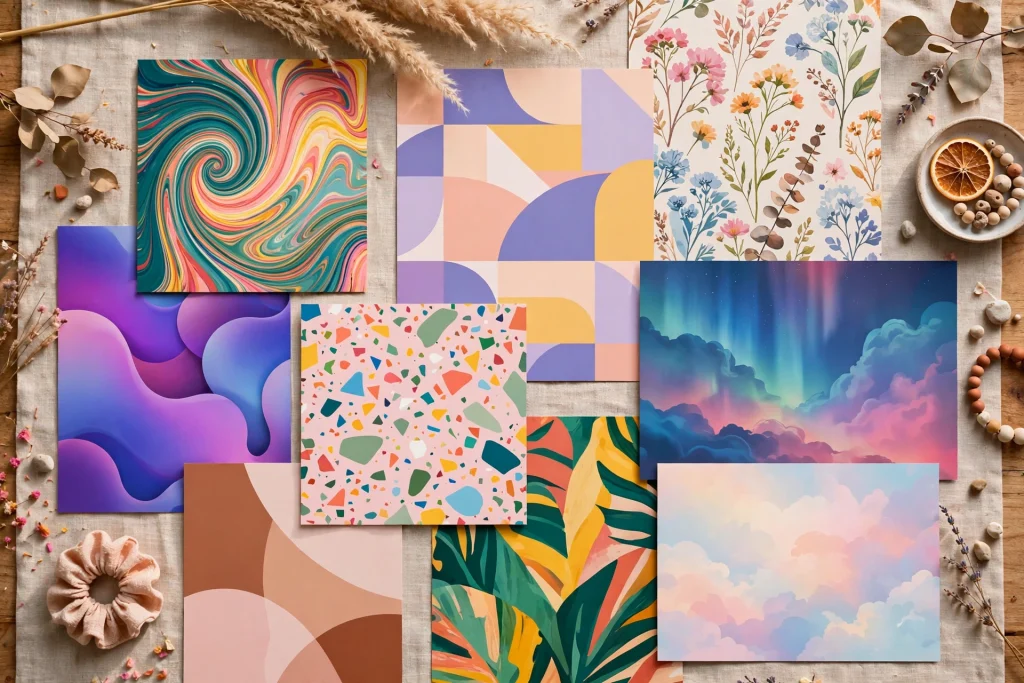

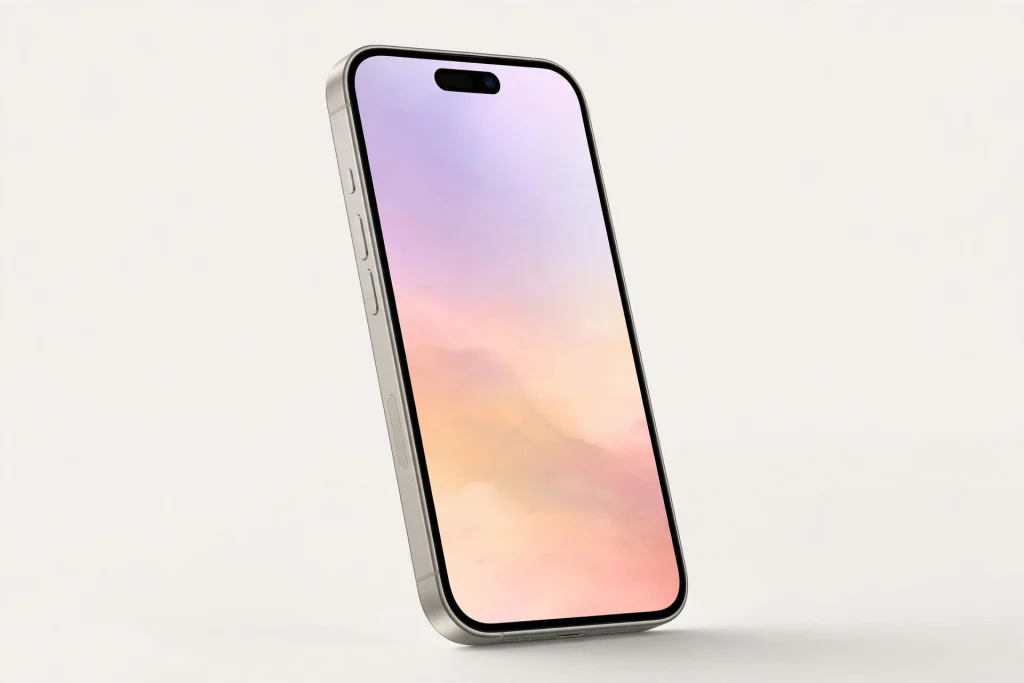
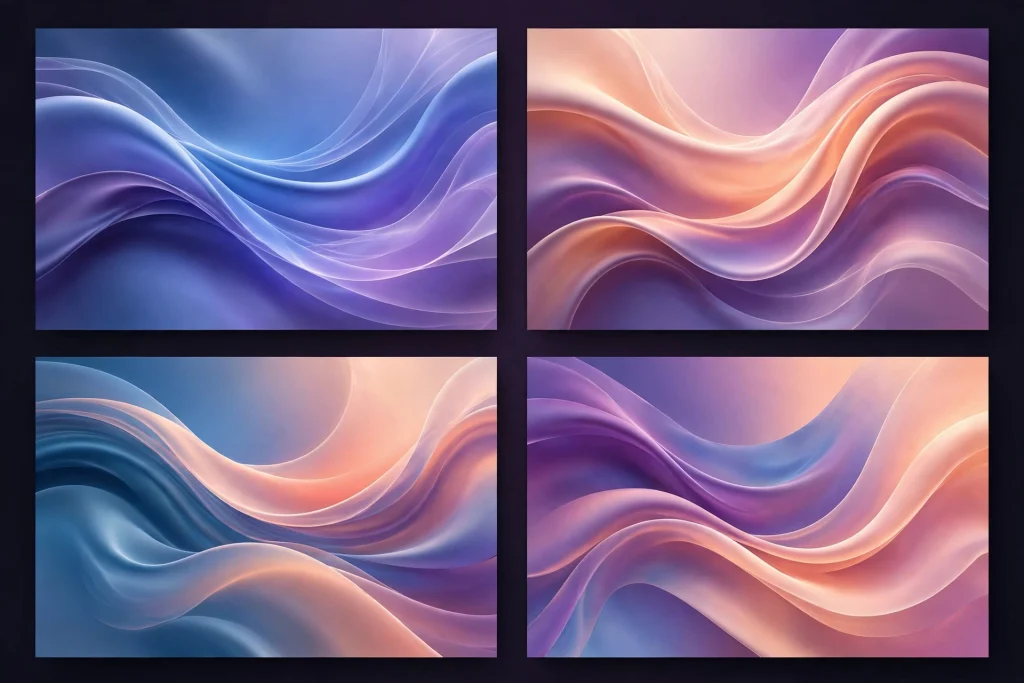
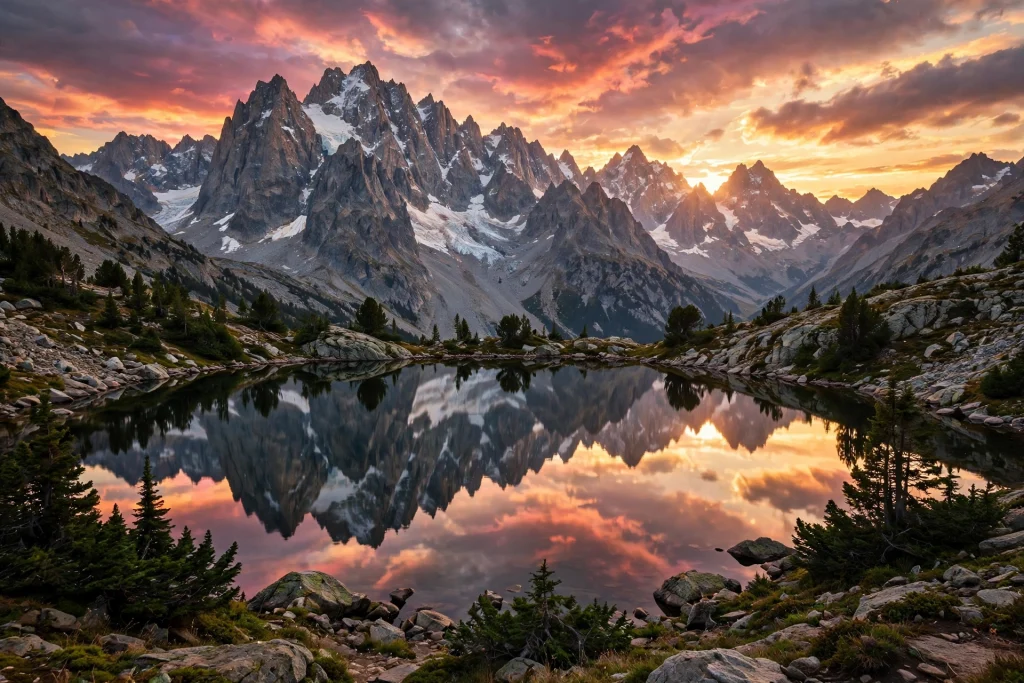
Easy as 1-2-3
Get Your Wallpaper in 3 Steps
From browsing to a brand-new phone look in under a minute.
Step 1
Pick your style
Browse the categories and tap any collection you love.
Step 2
Download in HD
Open a wallpaper and save the full HD image to your phone.
Step 3
Set as wallpaper
Apply it as your home screen, lock screen or both. Done.
Fresh this week
Latest Wallpaper Collections
The newest drops on the blog. Updated every morning.
4K Wallpaper iPhone
Pin-sharp 4K wallpapers made for the iPhone screen. Every pixel crisp.
View collection →iPhone Wallpaper Girly
Soft, cute and feminine picks for a pretty phone makeover.
View collection →Good to know
Frequently Asked Questions
Everything you need to know about downloading and using our wallpapers.
Are these wallpapers really free?
Yes. Every wallpaper on Wallpaper Ideas is 100% free to download in HD. No signup, no watermarks, no hidden charges.
What quality are the wallpapers?
All collections are published in HD, and many in 4K Ultra HD. They look crisp on both small phones and large tablets.
How do I set a wallpaper on iPhone?
Save the image, then go to Settings, Wallpaper, Add New Wallpaper, choose the saved photo and set it as your lock screen, home screen or both.
How do I set a wallpaper on Android?
Save the image, then long-press your home screen, tap Wallpaper, pick the saved image and apply it to your home or lock screen.
Can I use these as lock screen wallpapers too?
Absolutely. Every wallpaper works as a home screen, lock screen or both. Many collections are designed with the clock area in mind.
How often do you add new wallpapers?
Every single day. 15 brand-new wallpapers land on the blog each morning across all 6 categories.
Daily Wallpaper Inspo on Pinterest 📌
Follow us for fresh aesthetic wallpapers, phone themes and mood boards every single day.
Wallpaper Ideas is your home for free aesthetic wallpapers. From cozy and cottagecore to dark academia, kpop and vaporwave, every collection is hand-picked and sized for your phone.