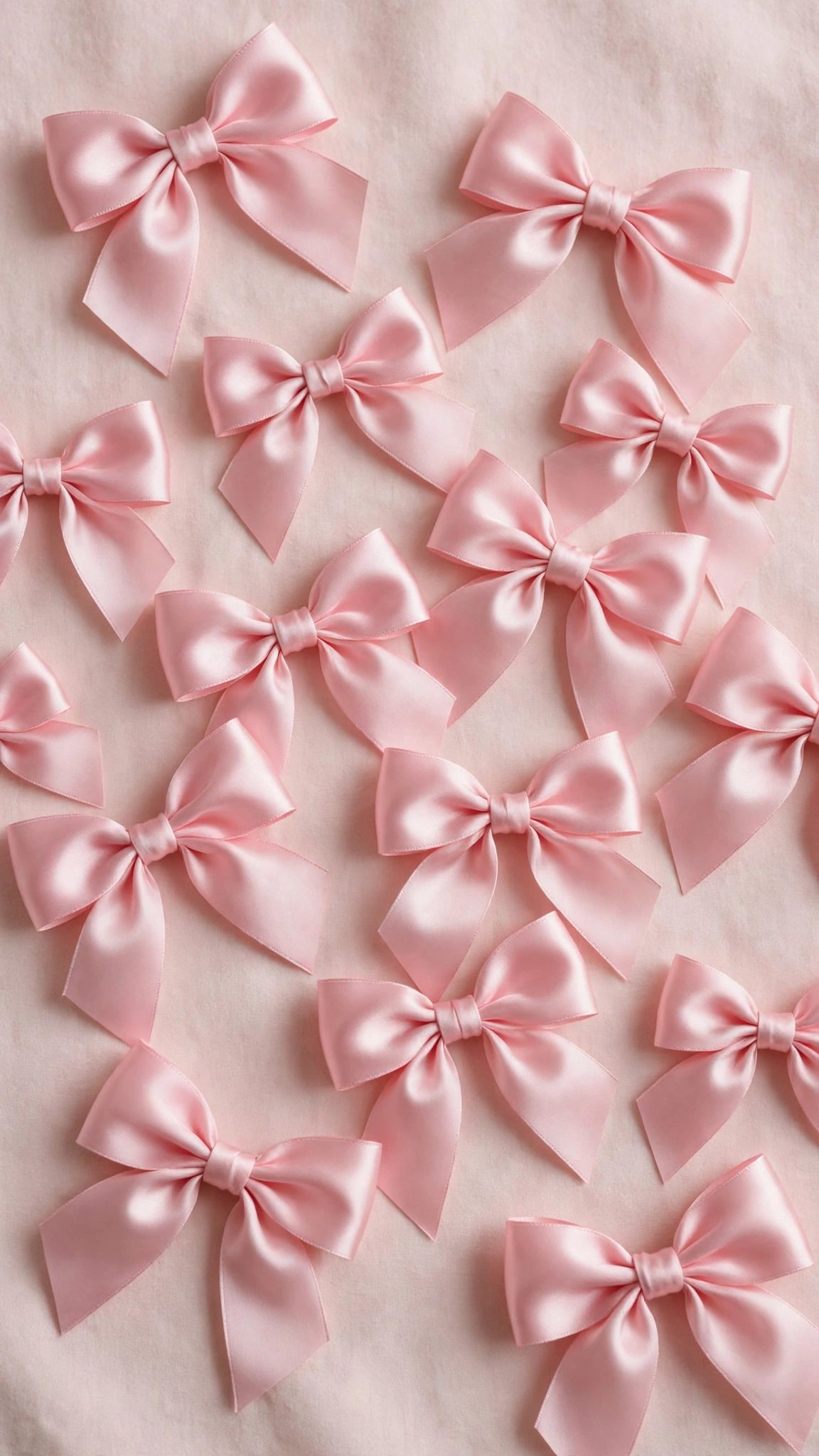
Your lock screen is the first thing you see every time you pick up your phone. These 17 lock screen wallpaper designs make every unlock a little more beautiful.
Each design is free to download in HD and sized perfectly for iPhone and Android. Choose your favorite below.
17 Beautiful Lock Screen Wallpapers
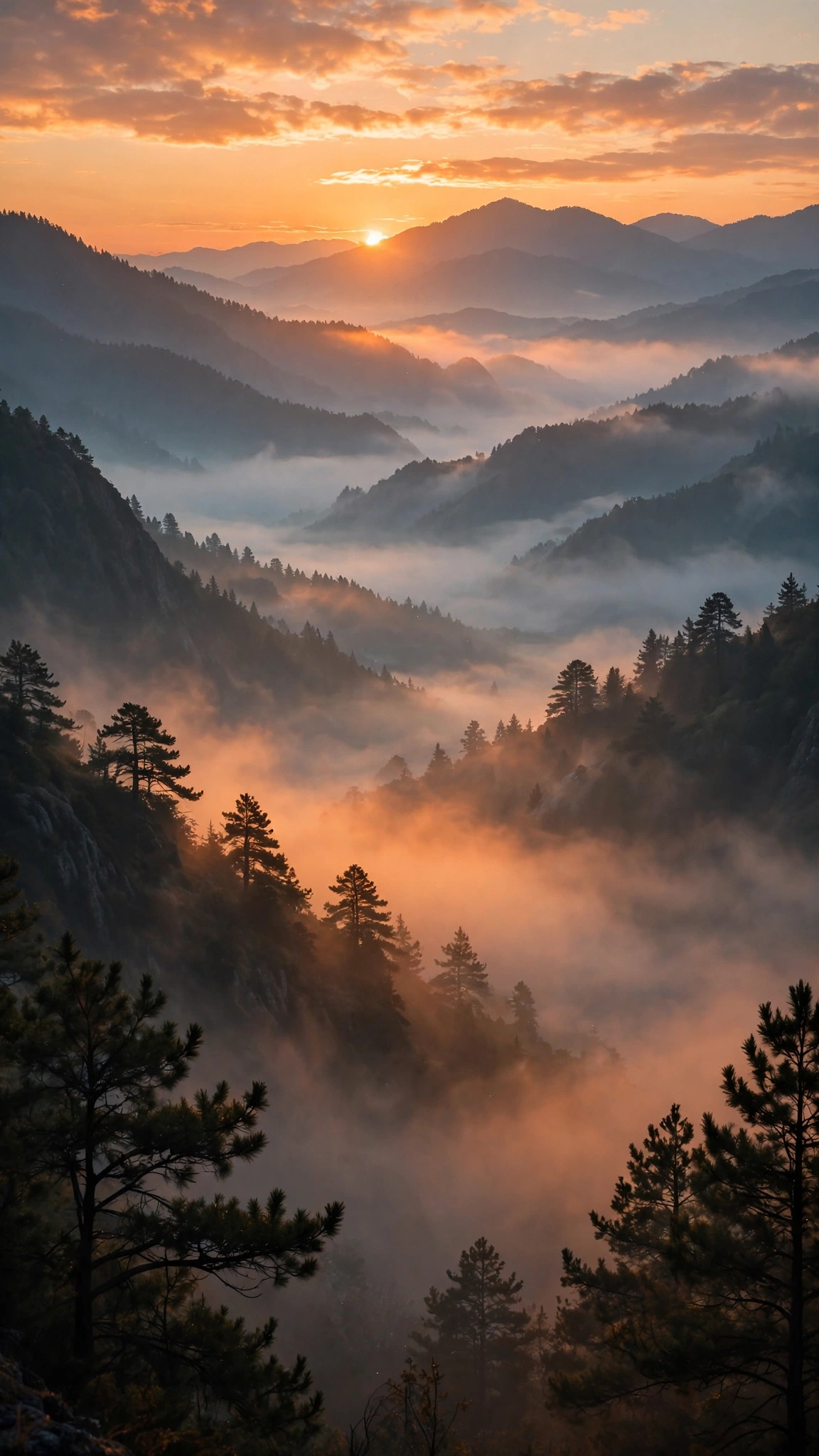
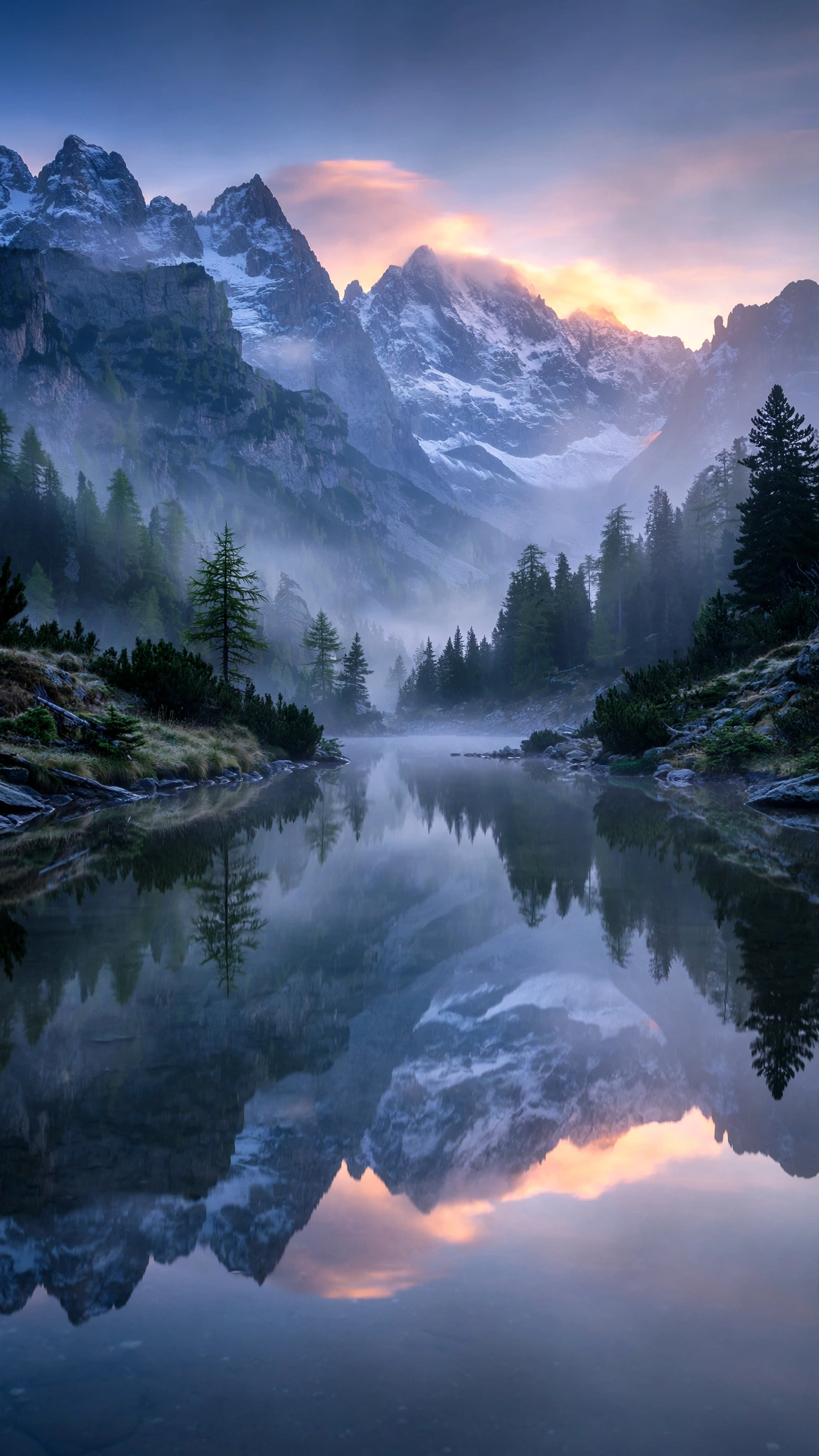
Majestic Mountain Lock Screens
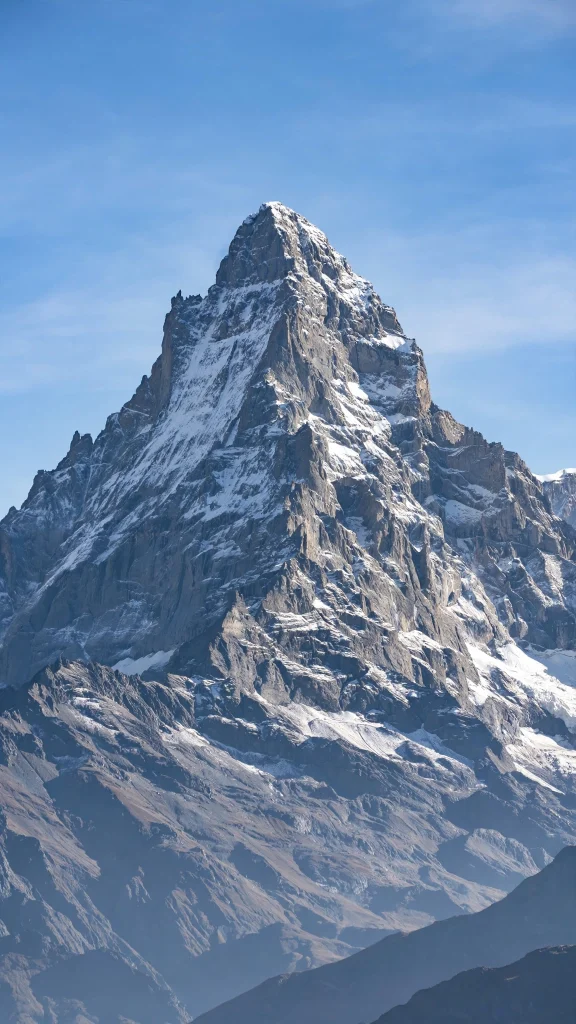
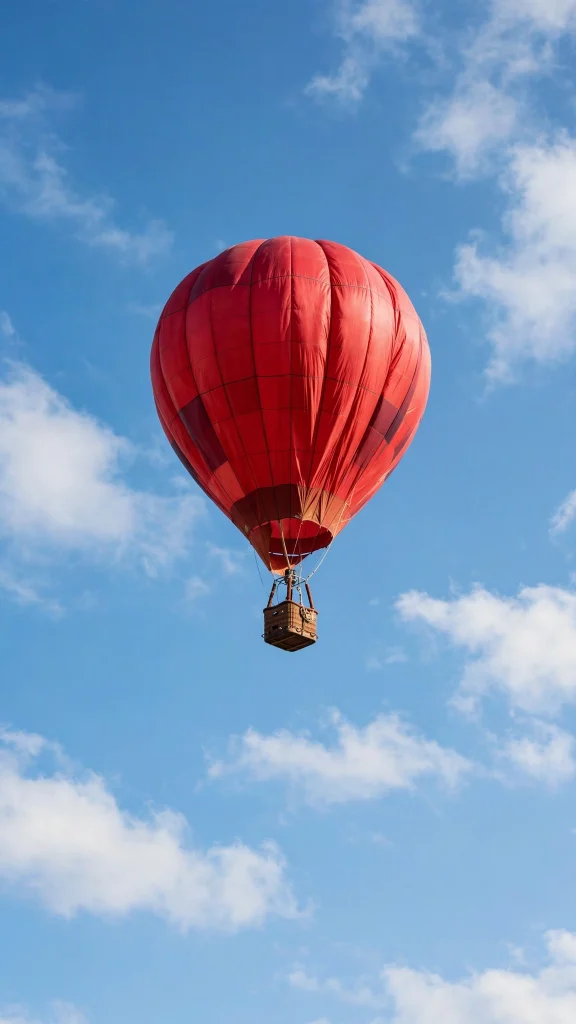
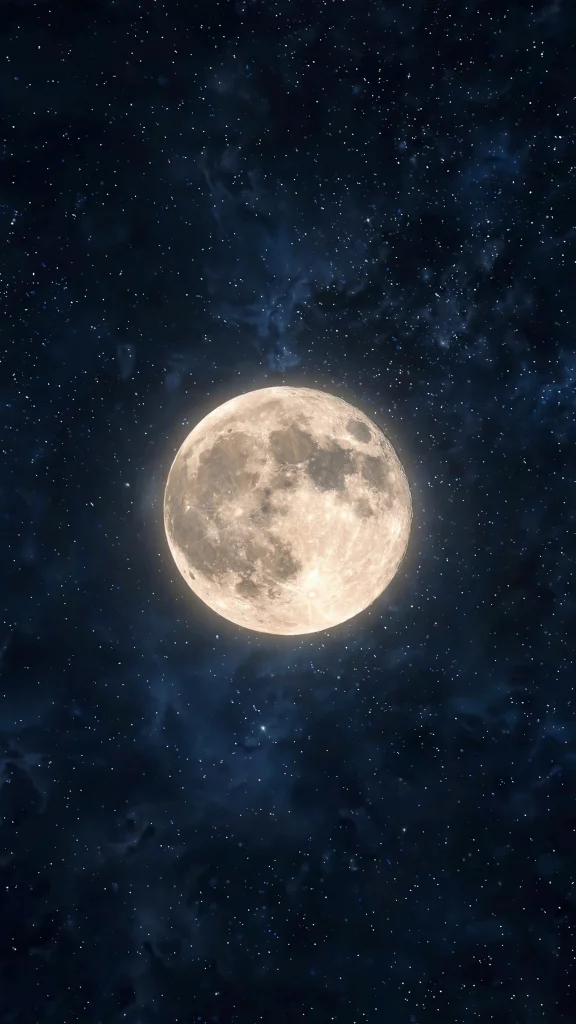
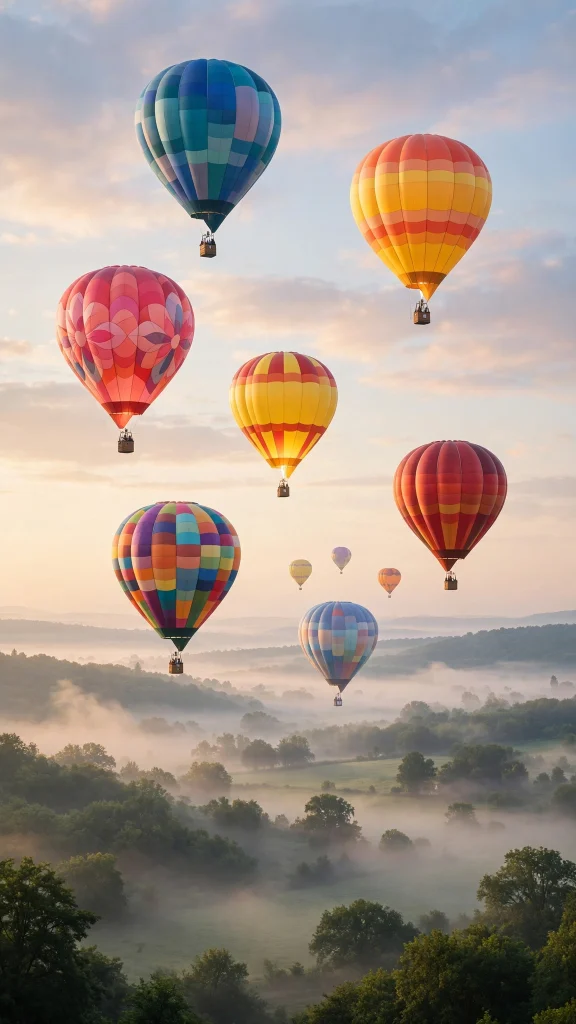
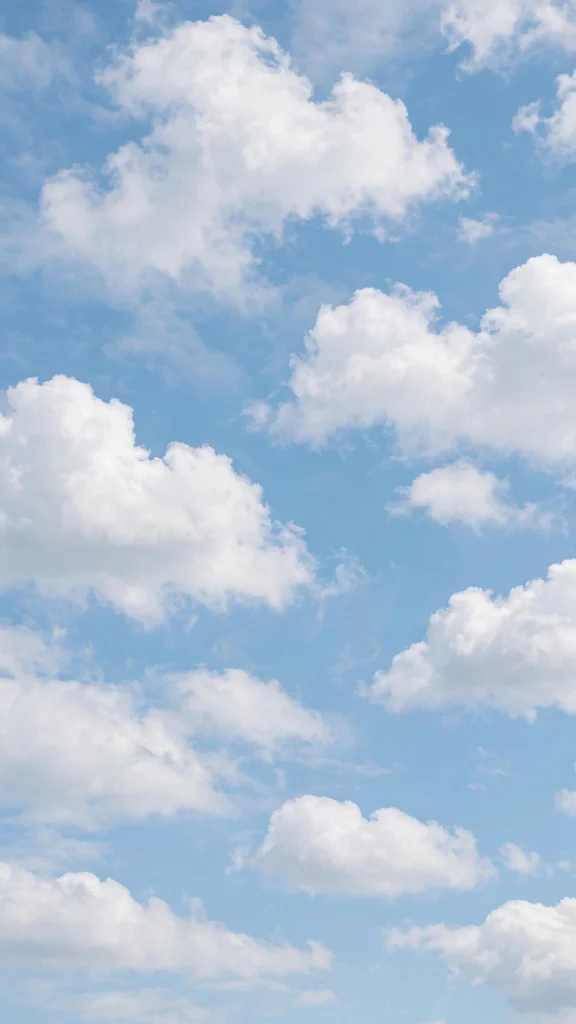
Moody Coast and Ocean Scenes
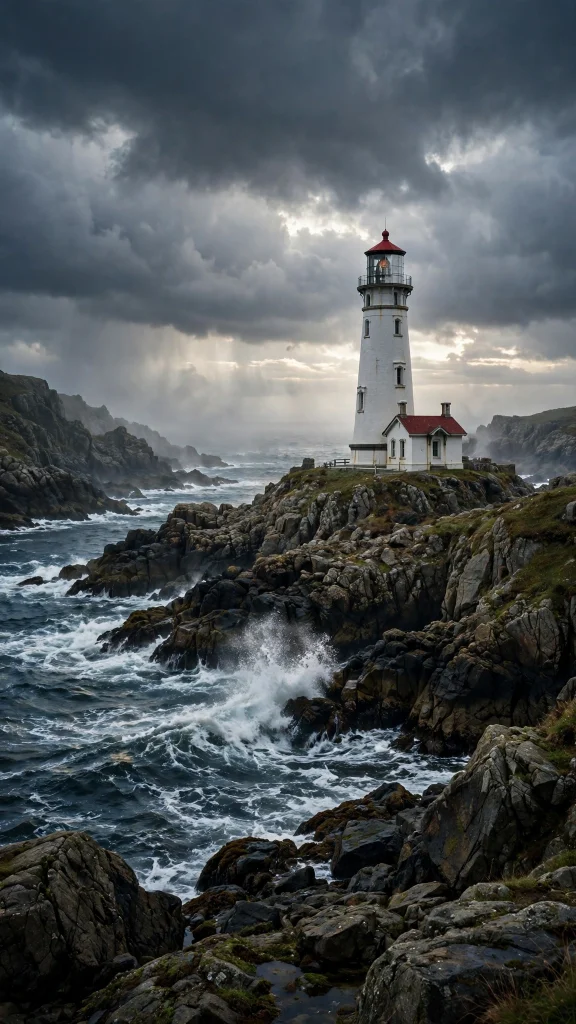
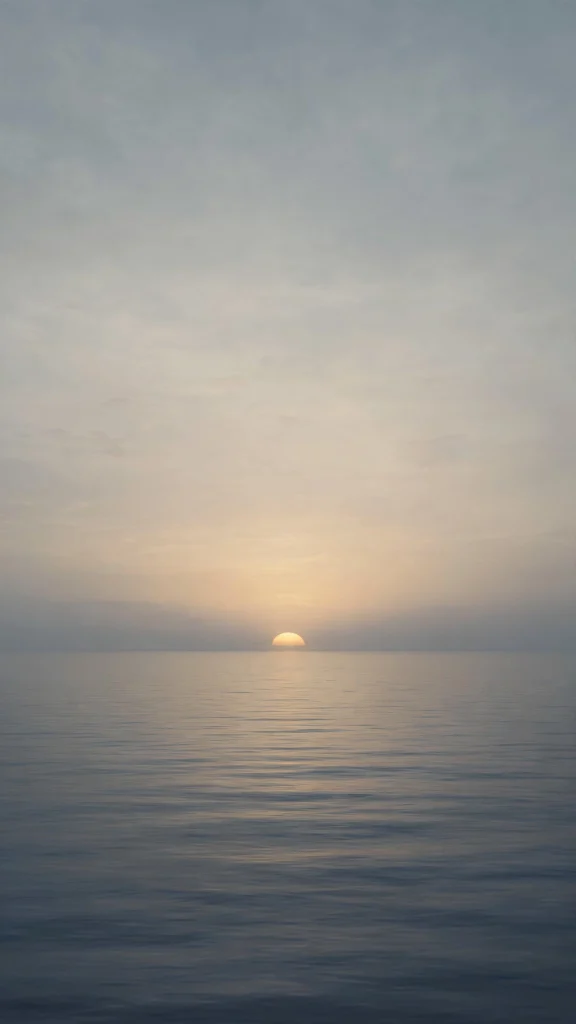
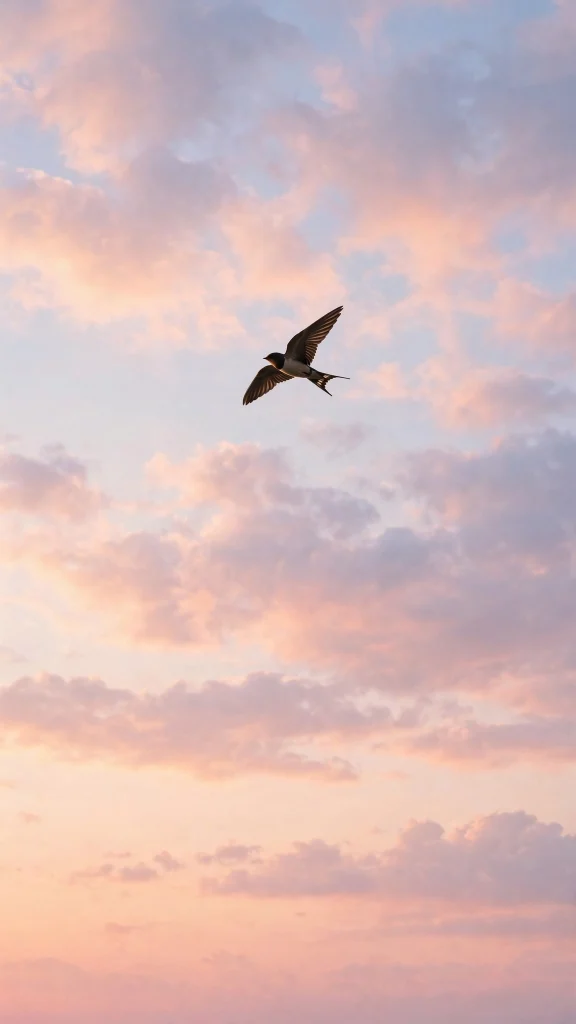
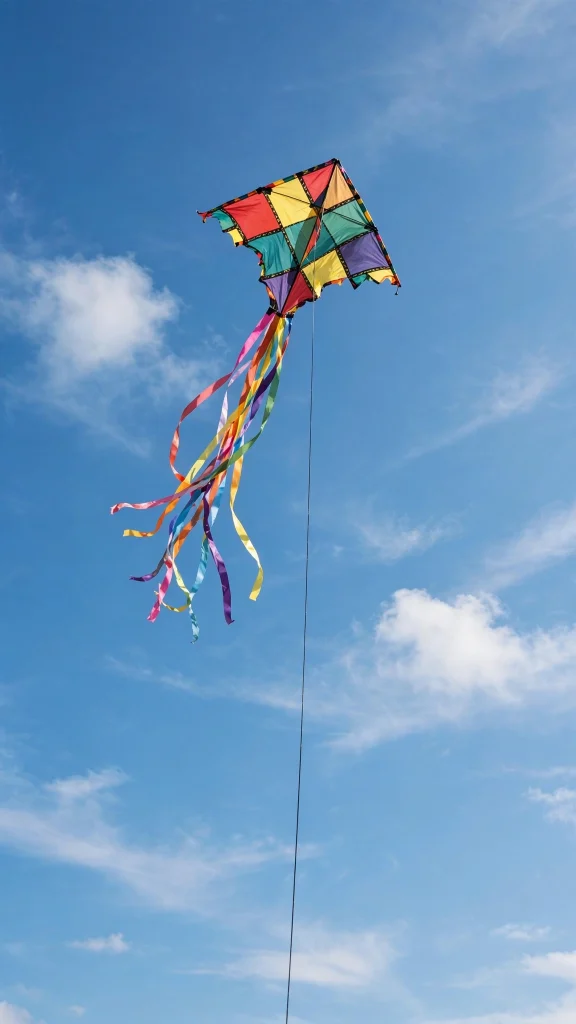
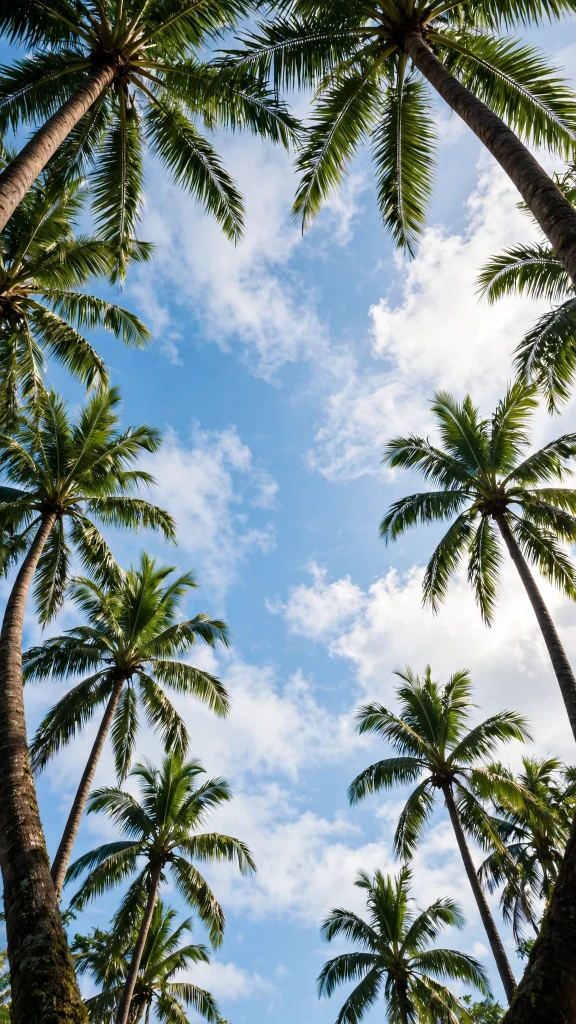
Tropical and Sunny Escapes
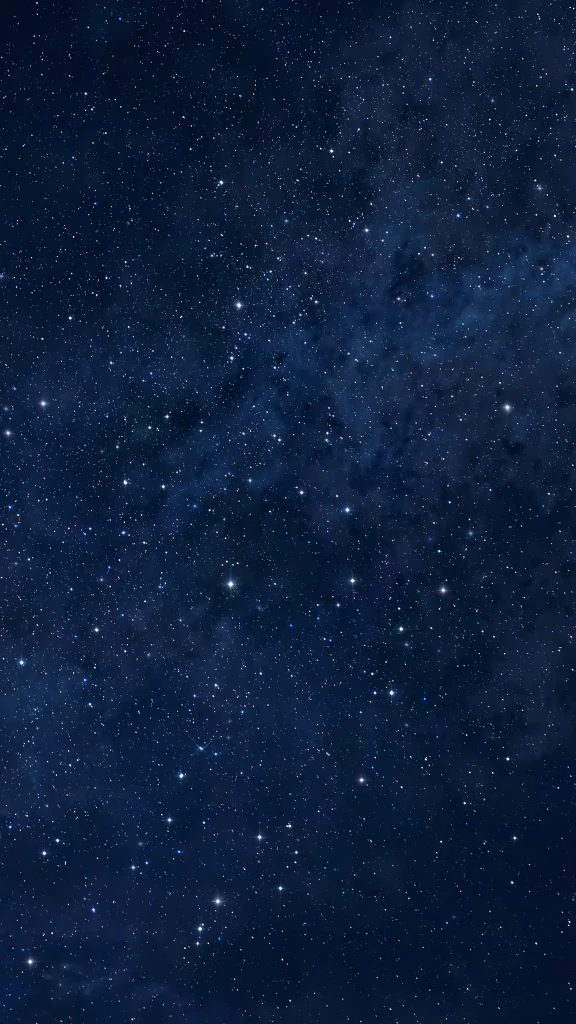
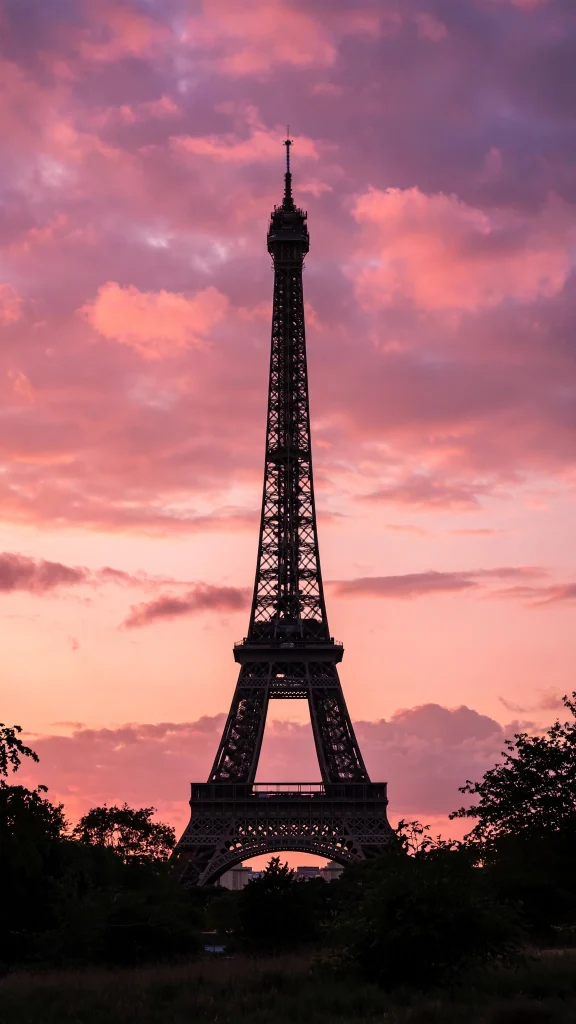
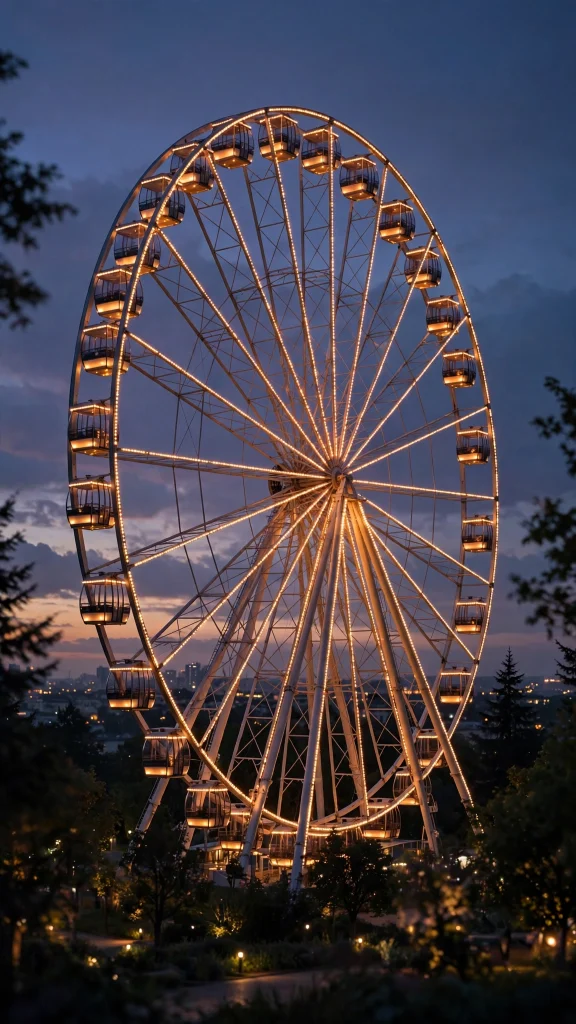
Night Sky and Moonlit Calm
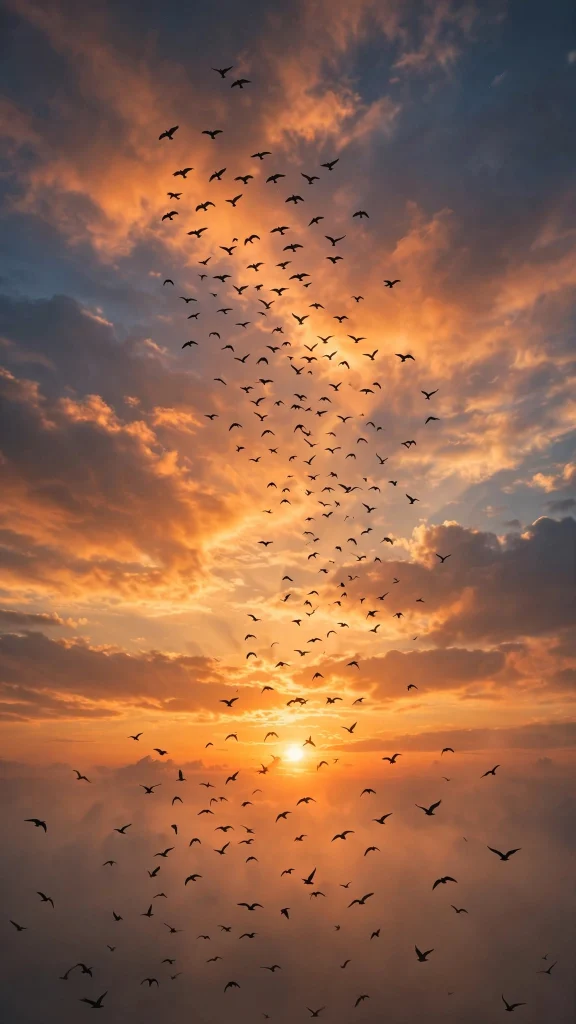
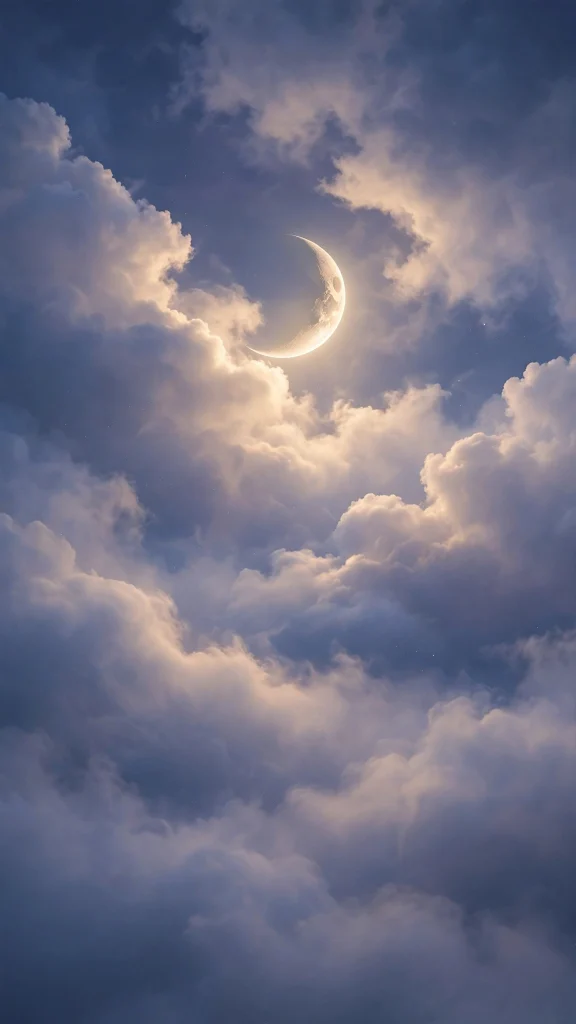

Why You’ll Love This Lock Screen Wallpaper
Your lock screen wallpaper is the image you see most on your phone. These 17 designs are chosen to look great behind the clock and notifications, with calm focal points that never feel cluttered.
- 17 scenic designs that stay readable behind widgets and the clock
- Free HD downloads sized for modern phones
- Works on iPhone and Android lock screens
- Calm, balanced compositions in every style from mountains to night skies
- A small daily upgrade you will notice every time you unlock
How to Download and Set Your Lock Screen Wallpaper
- Choose a lock screen wallpaper from the gallery and long-press to save it to your photos.
- On iPhone, open Settings, tap Wallpaper, then Add New Wallpaper and select the saved image.
- Position it so the clock sits nicely over a calm area, tap Add, then choose Lock Screen.
- On Android, open the image in your gallery, tap the menu, and choose Set as wallpaper.
- Select Lock screen, adjust the crop, and tap Set to finish.
FAQs About Lock Screen Wallpaper
Is this lock screen wallpaper free?
Yes. All 17 lock screen wallpaper designs are free to download in HD.
Will the clock cover the design?
These images are composed with calm areas that sit well behind the clock and notifications, but you can reposition any image while setting it.
Can I use lock screen wallpaper on Android?
Yes. Save the image and set it as your lock screen through your gallery or wallpaper settings.
What is the best size for a lock screen wallpaper?
A tall image that matches your phone’s screen ratio works best. These designs are made for modern phones and can be cropped to fit.
How do I change my lock screen wallpaper on iPhone?
Go to Settings, Wallpaper, Add New Wallpaper, pick your saved image, and choose Lock Screen when asked.
Are these images high resolution?
Yes. Every lock screen wallpaper here is high resolution, so it looks crisp behind your lock screen widgets.
Final Thoughts
A great lock screen wallpaper is a tiny moment of calm, dozens of times a day. Pick your favorite from the 17 designs above and make every unlock a little more beautiful.