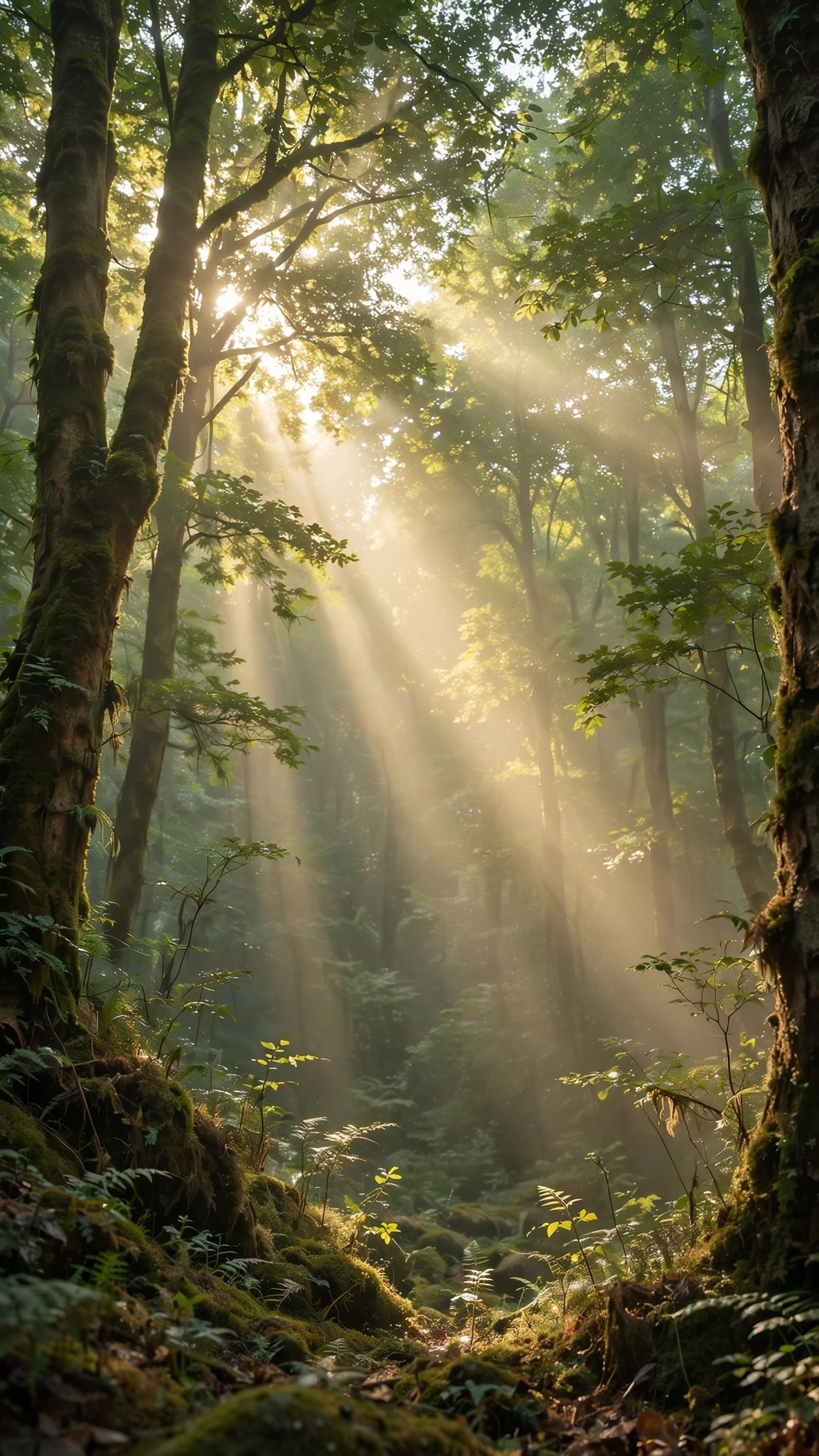
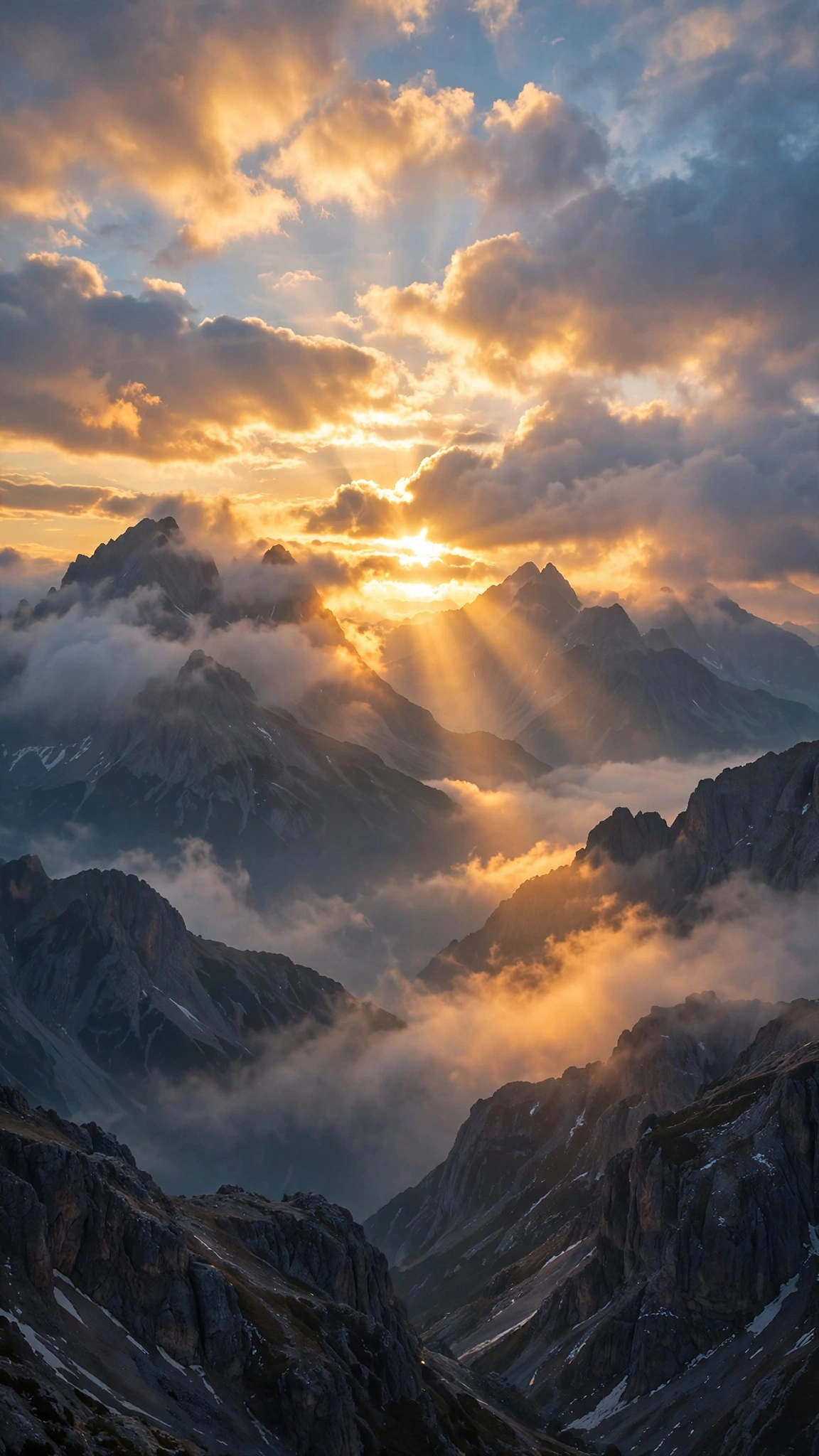
Computer Wallpaper: 17 Cool Desktop Designs
A great computer wallpaper makes your desk setup feel complete. Whether you love clean minimal desks, neon gaming battlestations or epic landscapes, the right background sets the tone for your work and play. This collection offers 17 cool designs for every kind of computer user.
All designs are free to download. Pick your favorite and set it in seconds.
🖥️ 17 Best Computer Wallpaper Designs to Try
Here are 17 computer wallpaper designs, from sleek desk setups to epic night skies. Choose the one you love.
🪴 1. Sleek Laptop Minimal Desk
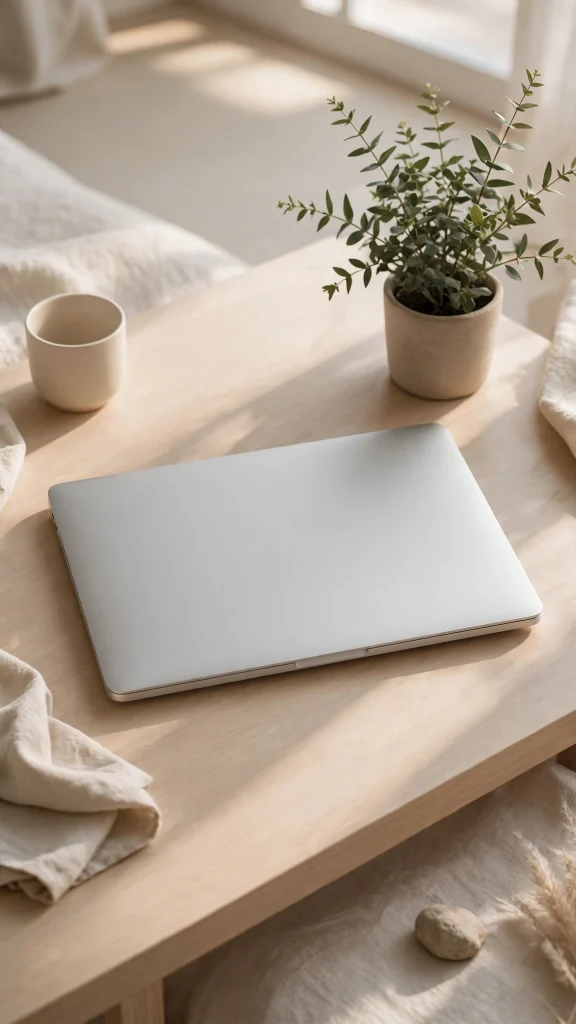
A sleek laptop sits on a minimalist desk beside a small green plant, calm and uncluttered. A tidy backdrop that helps a busy desktop feel focused, calm and under control.
☕ 2. Beige Desk with Coffee
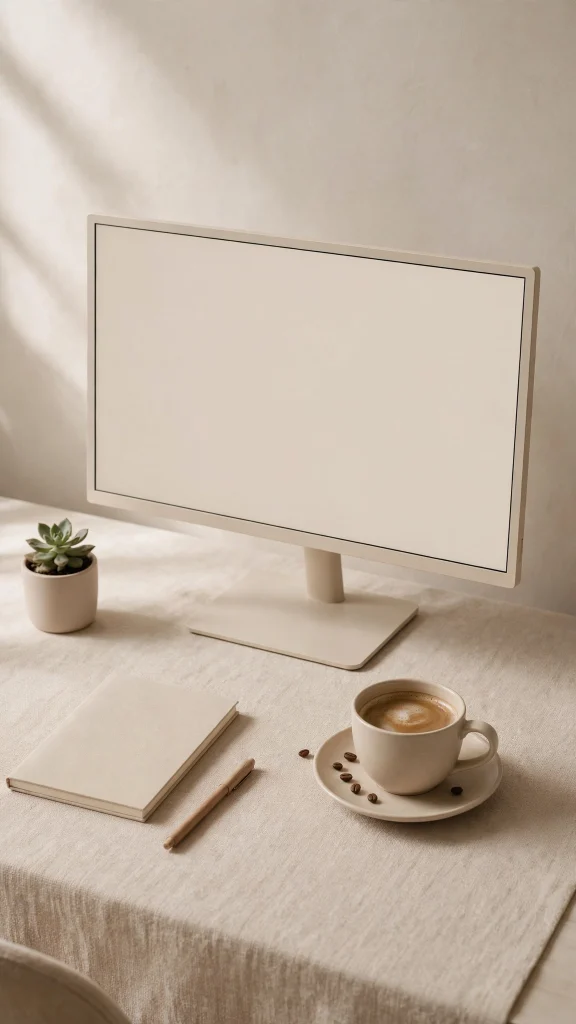
A minimal desk setup in warm beige tones, with a monitor and a fresh cup of coffee nearby. Soft, warm and professional, it suits a home office that likes calm over clutter.
🪵 3. Cozy Wooden Desk Corner

An open laptop and a steaming coffee rest on a worn wooden desk, cozy as a cabin corner. Warm and inviting, it makes long work sessions feel a little more human and relaxed.
🎮 4. RGB Gaming Setup Glow
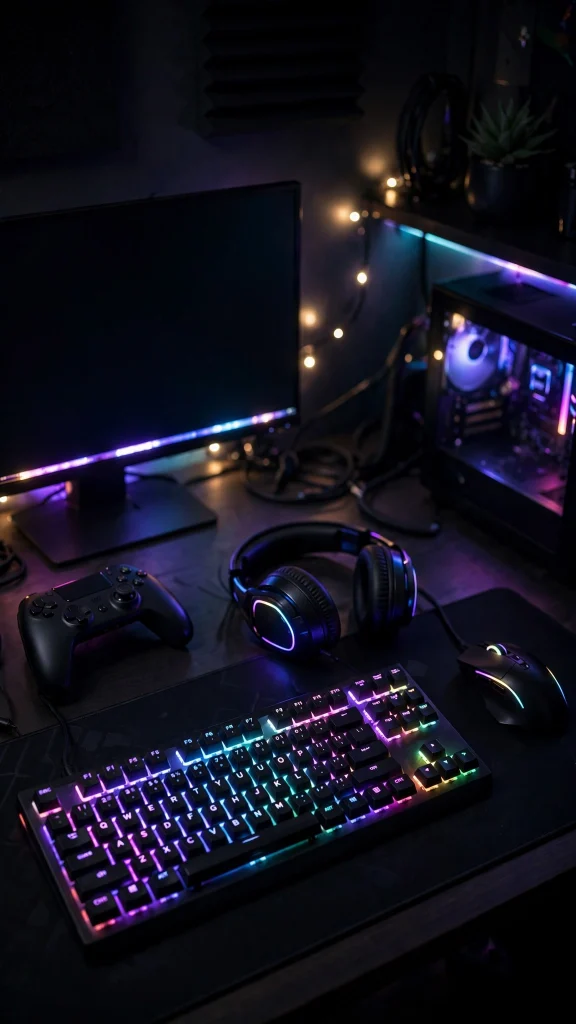
A full gaming setup glows in a dark room, its RGB keyboard painting the desk in color. Bold and electric, it is made for players who do their very best work after midnight.
🏔️ 5. Epic Mountain Sunrise
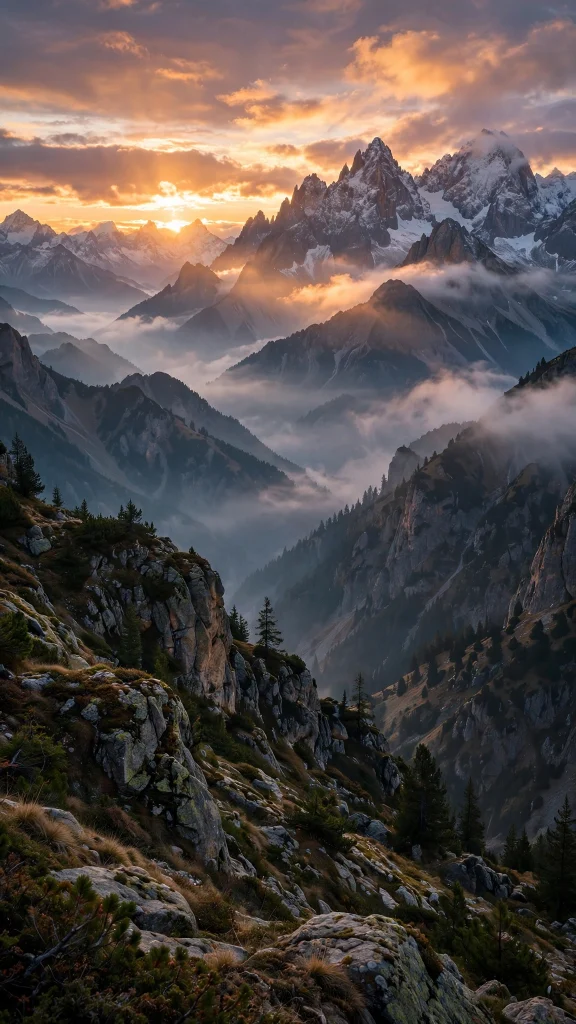
Warm sunrise light spills over a vast mountain range, layer after layer fading into mist. Grand and quiet, it gives your desktop a deep breath of open mountain air every morning.
🌲 6. Moody Misty Pine Forest
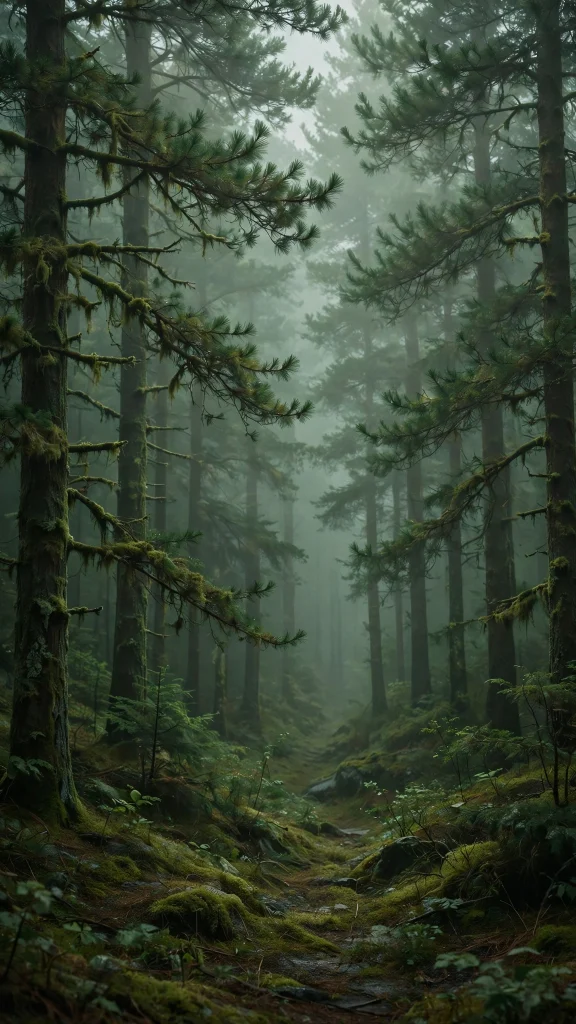
Tall pine trees disappear into thick white mist, their dark shapes fading row by silent row. Moody and calm, it keeps even a busy desktop feeling grounded, quiet and still.
🌌 7. Aurora over Snowy Peaks
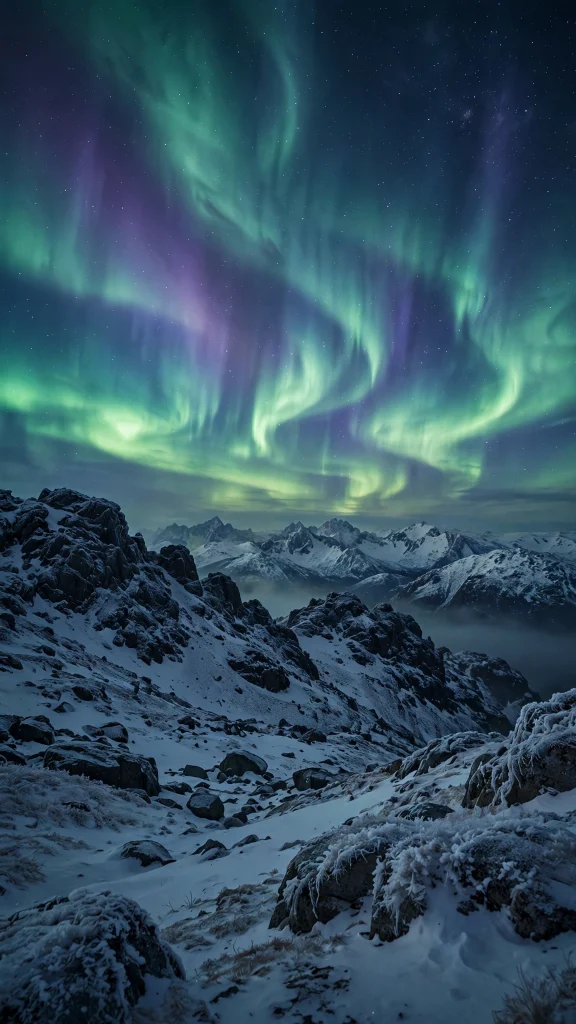
Ribbons of green aurora light ripple above snowy mountains under a sky full of stars. Cold, vast and quietly magical, it turns your monitor into a window on the polar night.
🌴 8. Tropical Sunrise Beach

A palm-fringed tropical beach wakes under a soft pastel sunrise, the water calm and golden. An easy little escape to keep open behind your windows through the whole year.
🔭 9. Deep Space Nebula
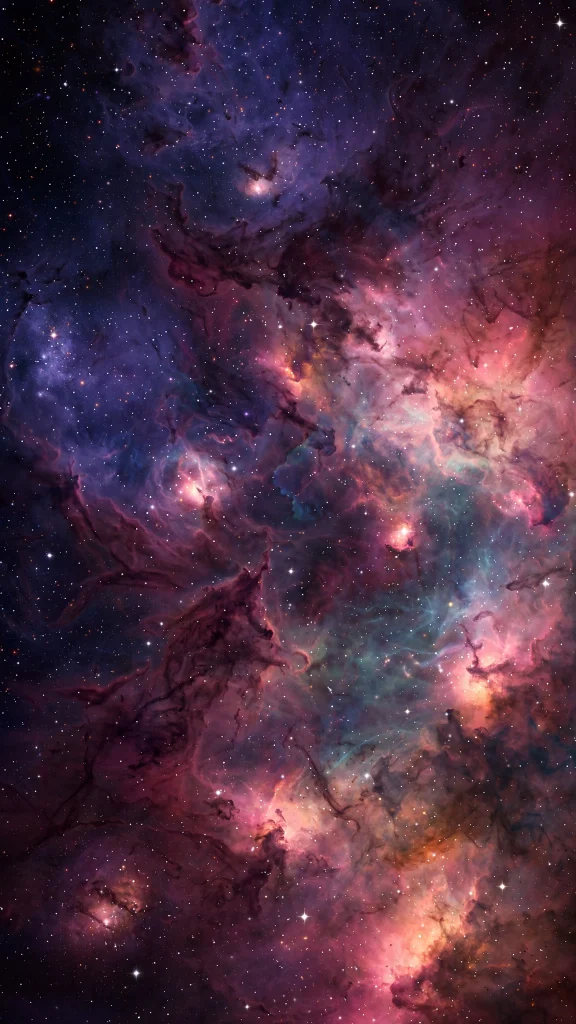
A glowing nebula drifts through the dark of deep space, scattered with ancient stars. Vast and humbling, it is a fine backdrop for late-night thinking, coding and big ideas.
If you enjoy this style, our wallpaper ideas collection is worth a look too, with even more designs to browse.
🌀 10. Blue Purple Gradient Waves
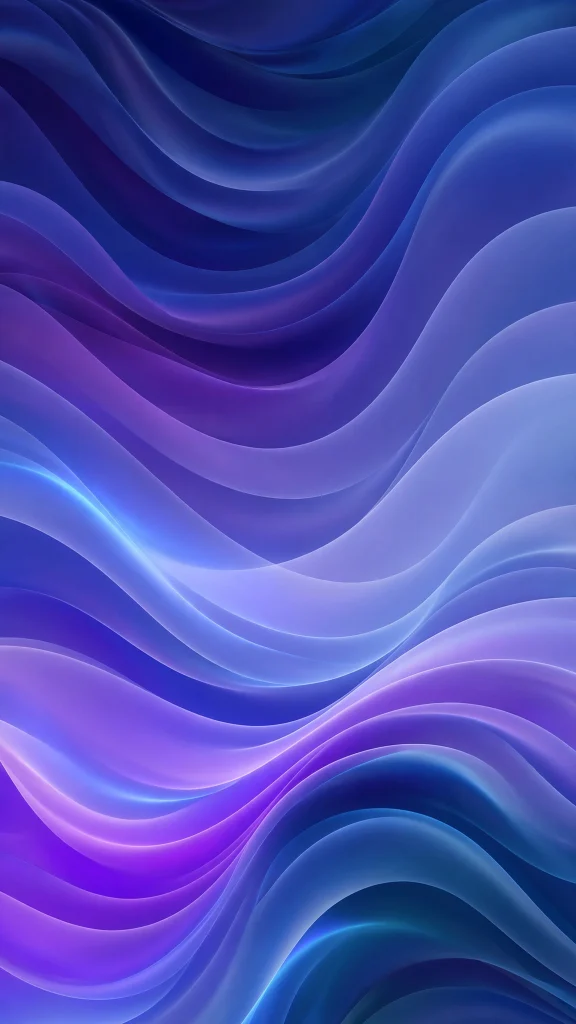
Smooth waves of deep blue and purple flow into each other in a soft, silky gradient sweep. Clean and modern, it keeps your desktop icons calm and easy to find at a glance.
🔷 11. Pastel Geometric Shapes
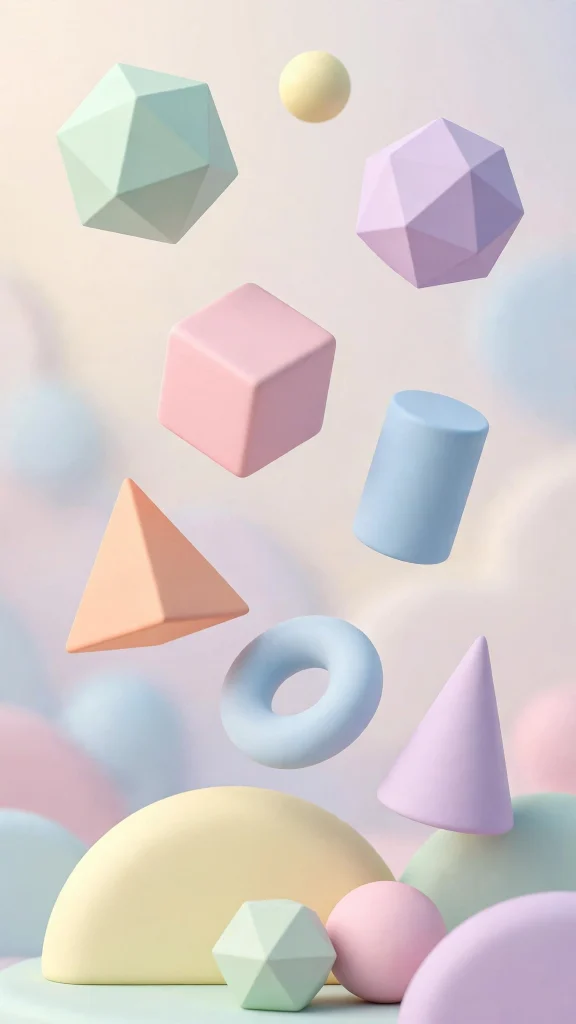
Soft 3D shapes in pastel pink, mint and blue stack and float in a playful arrangement. Light, soft and creative, it brightens your workspace without ever stealing the focus.
🌑 12. Dark Minimal Abstract
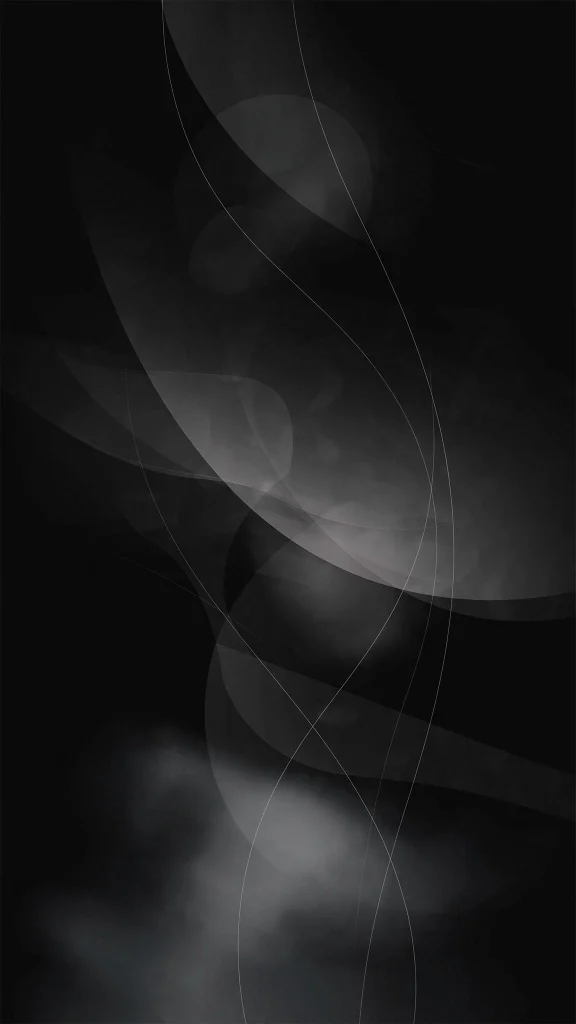
Near-black shapes in charcoal and slate gray layer quietly into a dark abstract field. Understated and restful, it is kind to your eyes during long evening work sessions.
💜 13. Neon Purple Desk Setup
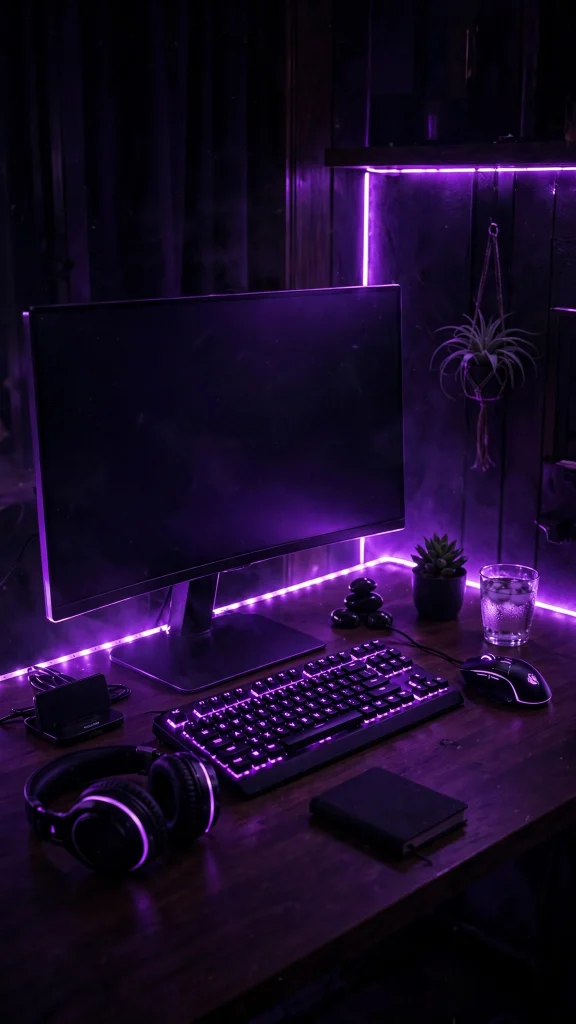
A desktop battlestation glows purple in a dark room, neon light tracing every edge of the desk. Sleek, moody and atmospheric, it is a love letter to the after-dark desk setup.
💻 14. Code Editor at Night
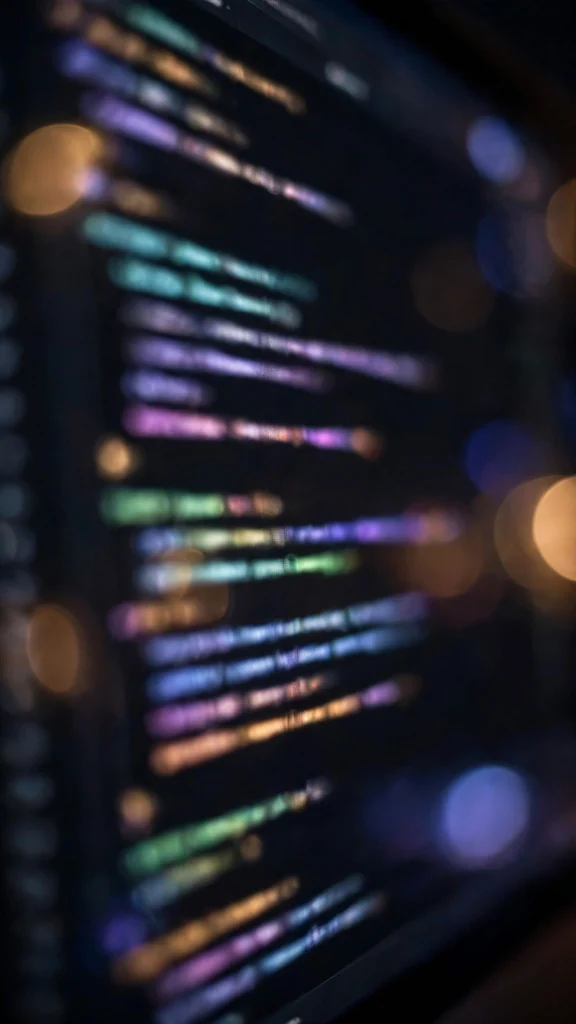
Lines of colorful code glow on a dark editor screen, softened by warm bokeh behind. Made for developers and night coders, it makes your whole desktop feel like home ground.
🌃 15. City Skyline from Above
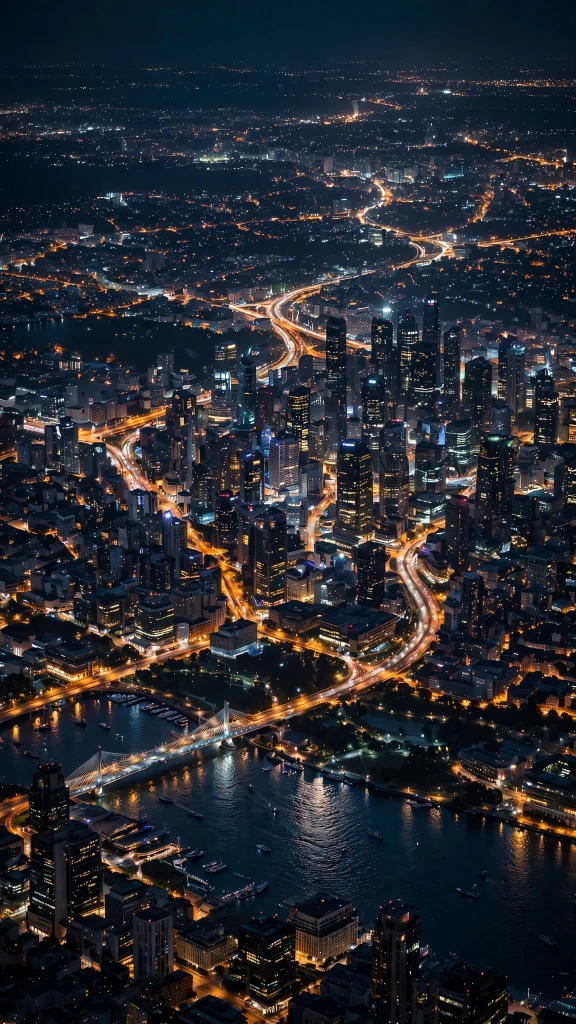
A great city skyline shines at night from above, its streets drawn in ribbons of light. Energetic and sharp, it suits a desktop that never really sleeps, slows or powers down.
🏙️ 16. Cyberpunk Neon Street
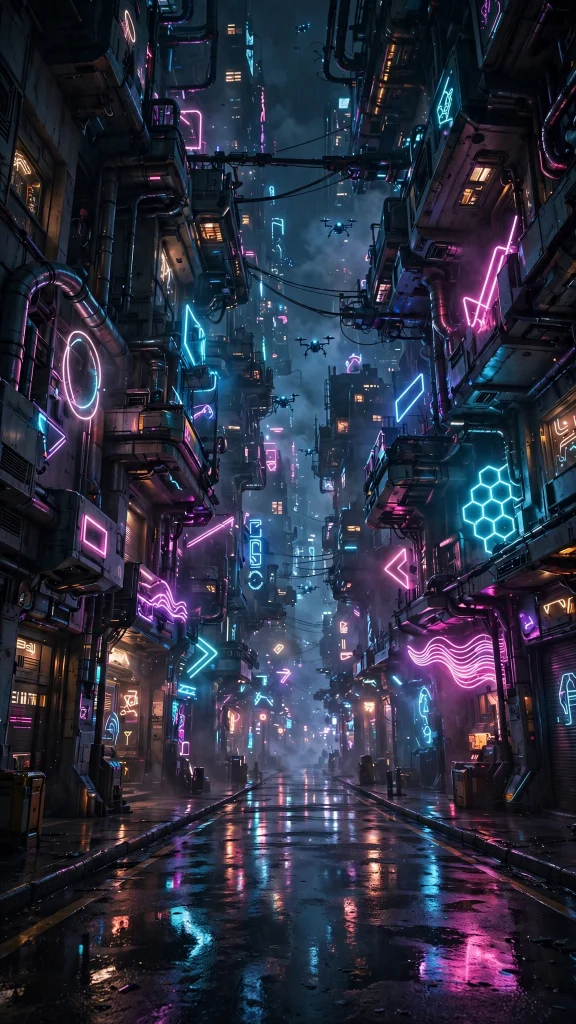
A rain-slick cyberpunk city street burns with neon signs reflected in pink, teal and violet. Loud, wet and cinematic, it turns your whole screen into a scene from the future.
🌊 17. Turquoise Wave Curl

A turquoise wave curls into a perfect glassy barrel, glowing from behind in the sunlight. Fresh and full of motion, it brings the ocean to a desk that is far from the sea.
Why You Will Love These Computer Wallpaper Designs
Your computer screen is your workspace, so it deserves a background you actually enjoy looking at.
- Setups and scenes for work, study and gaming
- Crisp detail that looks sharp on large monitors
- Calm designs that will not distract you
- Dark options that are easy on the eyes
- Free to download and quick to change
How to Download and Set Your Computer Wallpaper
- Right click the computer wallpaper image you like and choose Save image as to download it.
- On Windows, right click your desktop, select Personalize, then Background, and choose the saved picture.
- Pick Fill or Fit so the image frames nicely on your screen size.
- On macOS, open System Settings, go to Wallpaper, click Add Photo, and select the downloaded image.
- On a phone or tablet, save the image and set it through your wallpaper settings instead.
❓ FAQs About Computer Wallpaper
1. What is the best computer wallpaper for work?
Calm designs like the misty forest, minimal desk and dark abstract work best for productivity. They look clean behind open windows without pulling your attention away.
2. Are these computer wallpapers free?
Yes, all 17 computer wallpaper designs are free for personal use. Download as many as you like for your desktop, laptop or phone.
3. Which computer wallpaper is best for gaming setups?
The neon desktop setup, cyberpunk city and RGB gaming setup designs match gaming battlestations perfectly. Their dark tones and glowing colors look amazing with RGB lighting.
4. What size should a computer wallpaper be?
For most monitors, a high resolution image in landscape works best. These designs are detailed enough to look sharp, and you can use the Fill option so they cover any screen size.
5. Can I use computer wallpaper on my laptop?
Absolutely. Save the image and set it through your display or personalization settings on Windows or macOS. The same steps work for any laptop.
6. Do dark computer wallpapers save energy?
On OLED laptop and monitor screens, darker wallpapers like the dark abstract and neon setup use less power. They are also gentler on your eyes during late sessions.
Conclusion
The right computer wallpaper turns your screen from boring to inspiring. Choose the design that fits your setup, set it in a minute, and enjoy a desktop that feels truly yours.
Looking for more? Our black wallpaper iphone collection has plenty more designs waiting for you.