One Piece Wallpaper: 17 Epic Pirate Designs
A one piece wallpaper turns your phone into a grand adventure. Pirate ships at sunset, mysterious treasure islands and endless ocean horizons bring that spirit of freedom to every unlock. This collection sails in with 17 anime style designs full of adventure.
All designs are free to download and sized for phones. Hoist your favorite and set it in seconds.
🏴☠️ 17 Best One Piece Wallpaper Designs for Adventure Lovers
Here are 17 one piece wallpaper designs, from pirate ships at sunset to glowing treasure islands. Choose the one you love.
🏴☠️ 1. The Skull Flag at Sunset
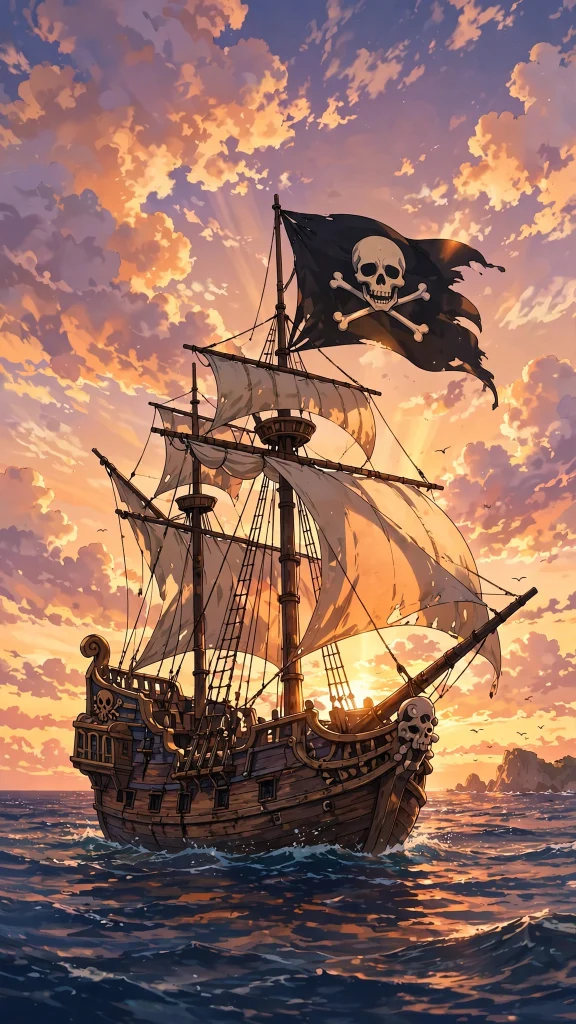
A pirate ship sails straight into a glowing sunset, its black skull flag snapping proudly above the sails. Bold and free-spirited, it turns every unlock into the start of a new voyage.
🌊 2. Riding the Grand Wave
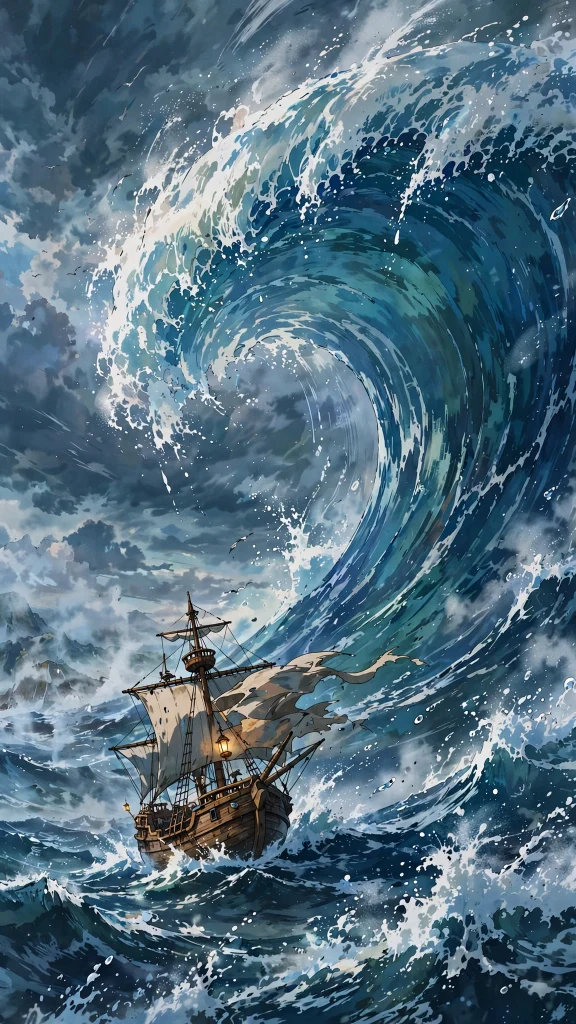
A huge curling wave towers over a small pirate ship, frozen at the very moment before it comes crashing down. Thrilling and wild, it is a perfect pick for anyone who loves the open sea.
🏝️ 3. Ship Silhouette on the Shore
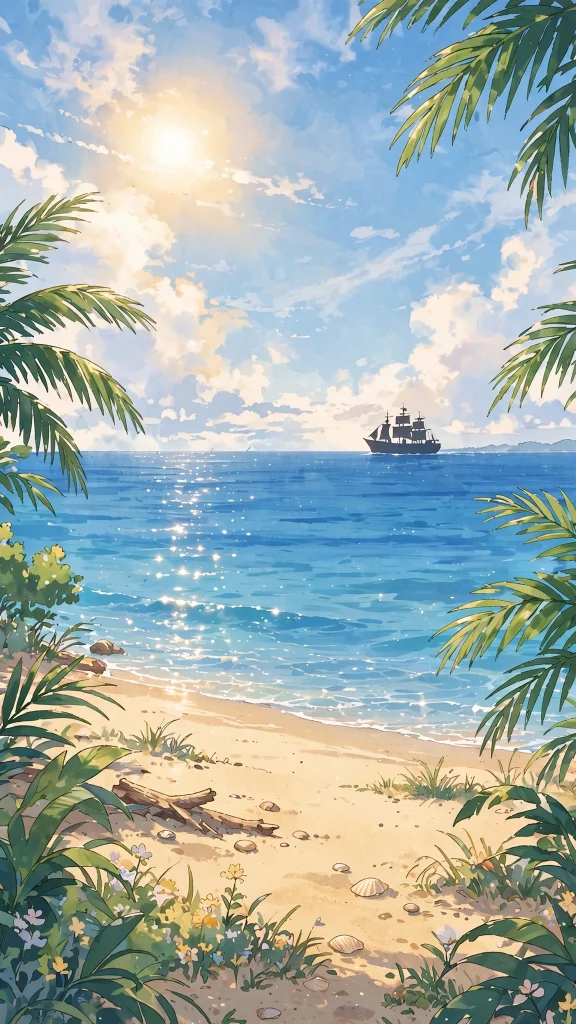
A lone ship rests as a dark silhouette against a bright sunny beach and calm, sparkling water. Light and breezy, it gives your home screen a relaxed holiday feel all year round.
🌅 4. Crew Sunrise on Deck
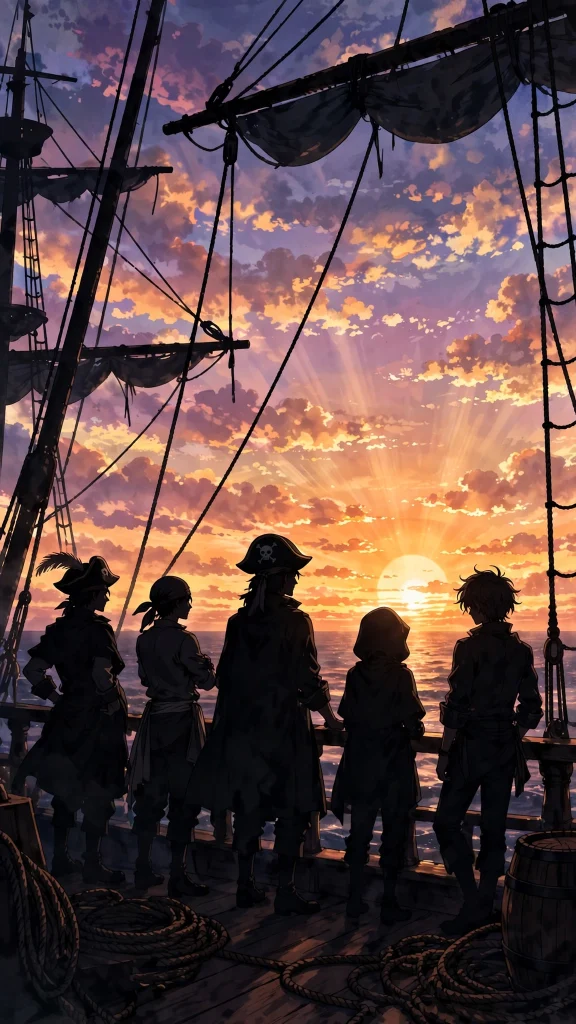
The whole crew gathers on deck as the sun rises over the ocean, painting the ship and sails in soft gold. Warm and hopeful, it suits a fresh, determined start to the day.
🗺️ 5. X Marks the Spot
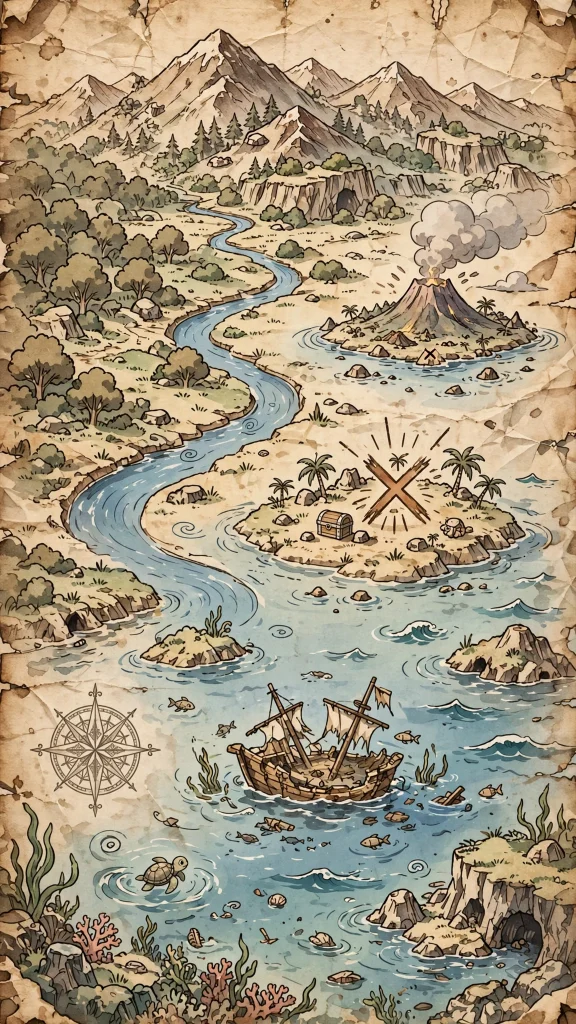
An old, weathered treasure map fills the screen, its dashed trail winding past islands toward one bold red X. Playful and mysterious, it sparks a little curiosity at every glance.
🌴 6. Crystal Waters and Palms
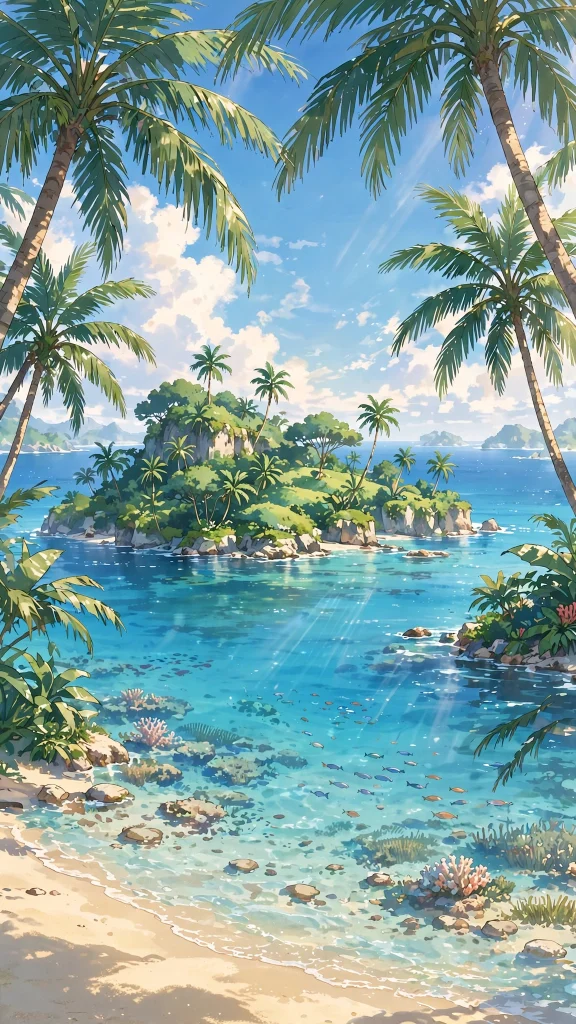
A tropical island rises from crystal clear water, palm trees leaning gently over a quiet white shore. Pure calm from edge to edge, it is an easy favorite for a clean, airy home screen.
💰 7. The Glowing Treasure Chest
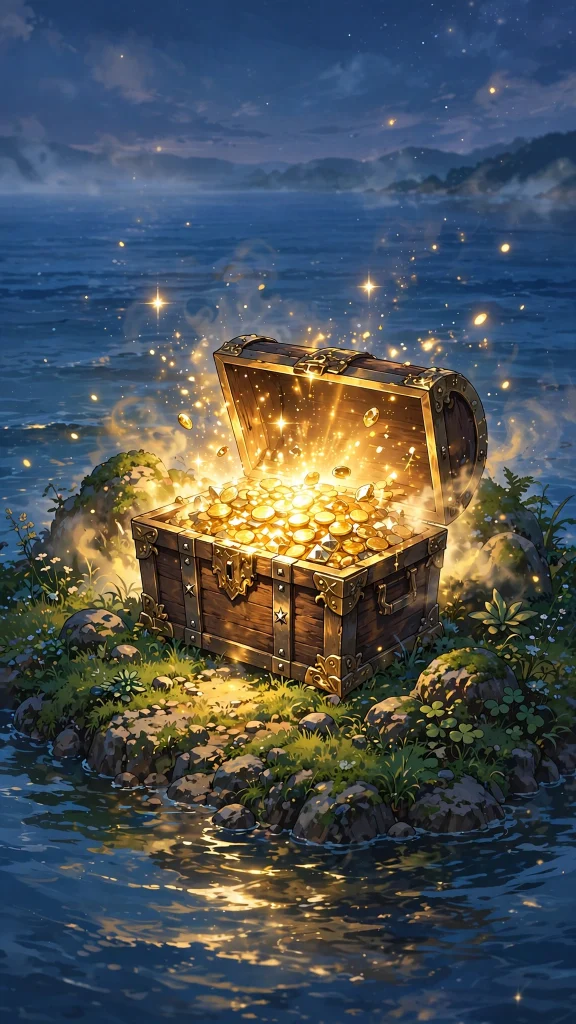
An open treasure chest spills gold coins across a hidden island cove, glowing warmly in the cool shade. It feels like the hard earned reward waiting at the end of a long voyage.
☁️ 8. Island in the Sky
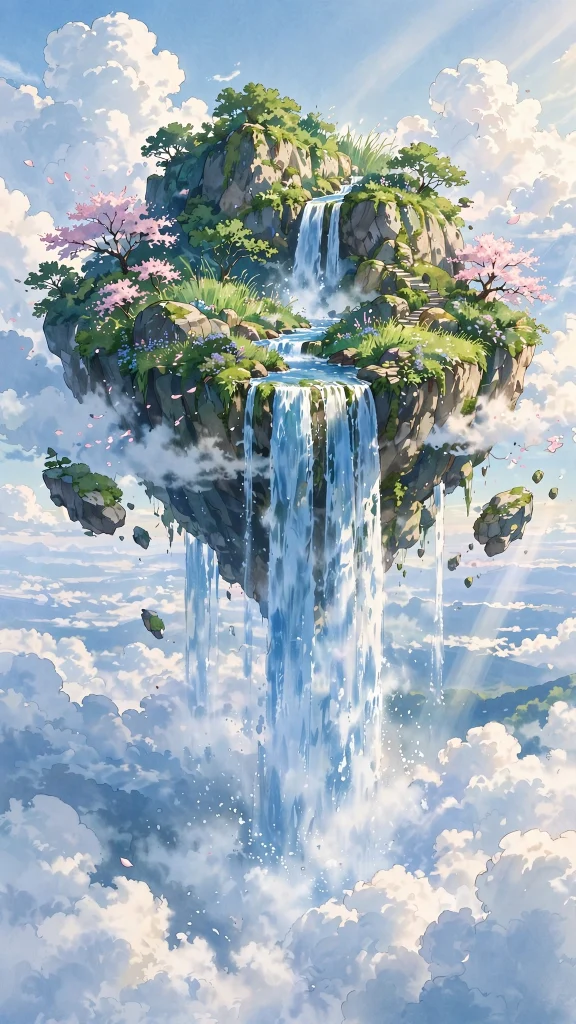
A floating island drifts high above the clouds, its waterfall pouring endlessly into the blue sky below. Dreamy and impossible, this one piece wallpaper is made for daydreamers.
⛰️ 9. Cliffs of the Red Line
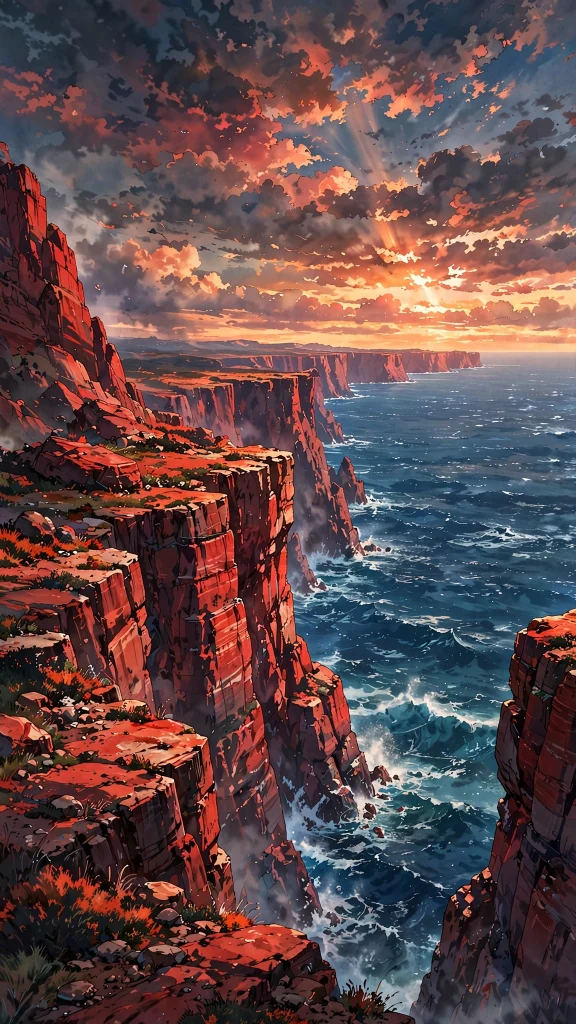
A massive red cliff wall drops straight into a deep blue ocean, stretching further than the eye can see. Stark and epic, it gives your screen a real sense of scale and distance.
For a change of mood, explore our laptop wallpaper hd 1080p aesthetic collection next, it pairs beautifully with these.
👒 10. A Straw Hat by the Sea
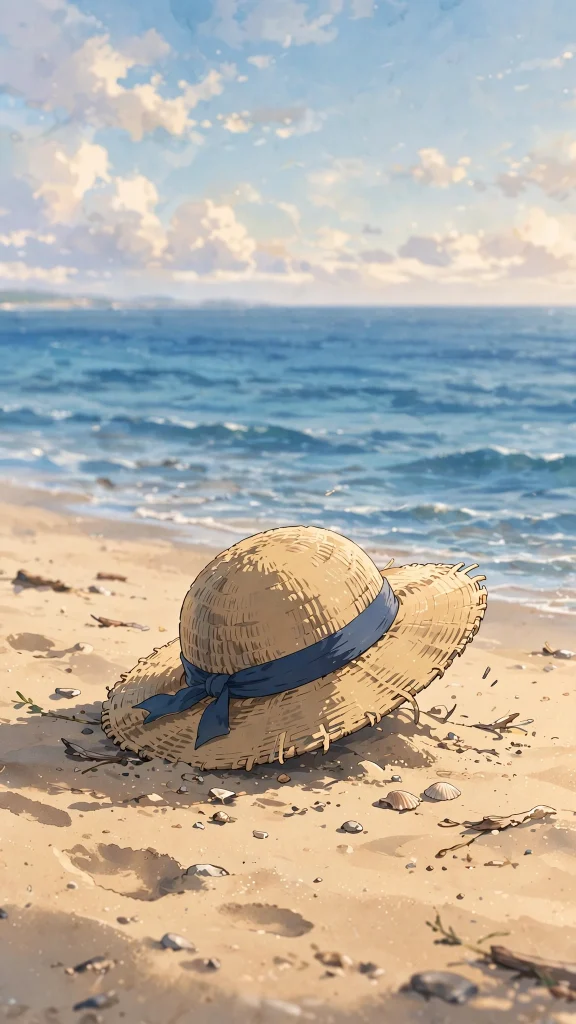
A simple straw hat rests on warm sand while gentle waves roll in quietly behind it. Iconic and understated, it says everything about adventure without needing a single word.
⚔️ 11. Three Swords at Dusk
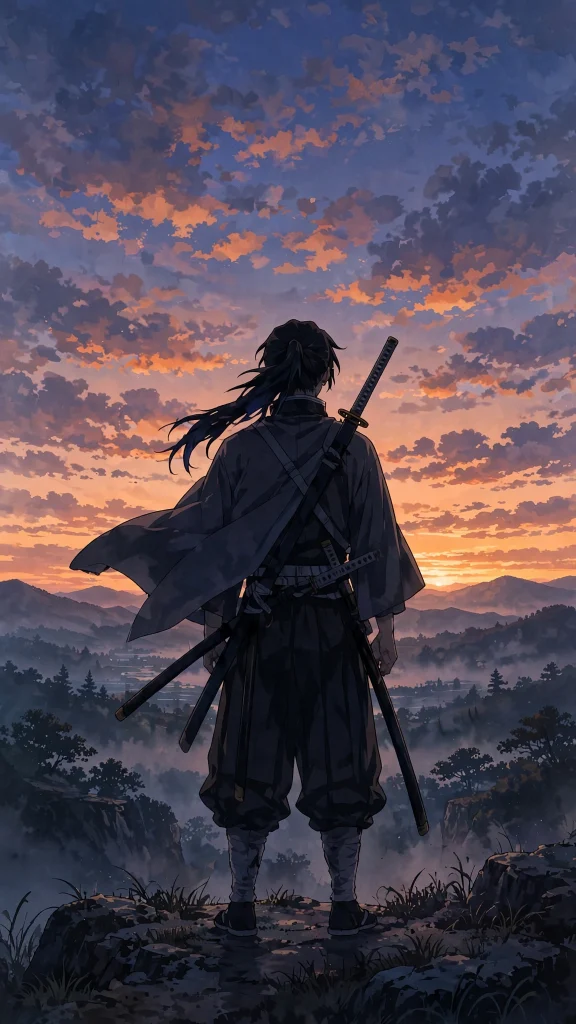
A lone swordsman stands at dusk with three blades ready, the last of the light fading behind him. Calm, focused and quietly intense, it makes a strong and steady lock screen.
🍳 12. Dinner on the Deck
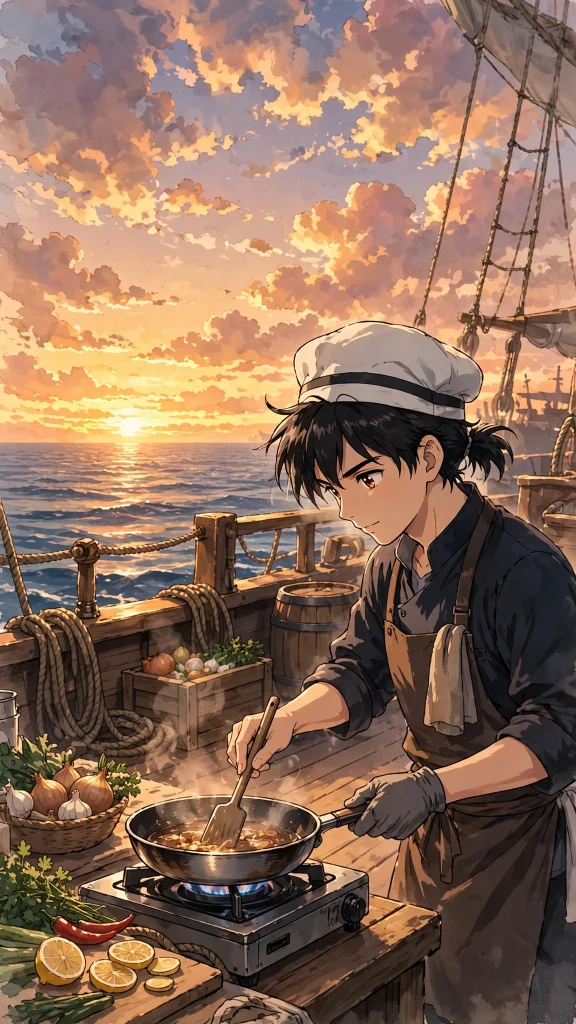
A cheerful chef serves dinner on deck for the whole hungry crew while the sunset glows over the water behind the ship. Cozy and full of character, it brings real warmth to your home screen.
🎸 13. The Skeleton Musician
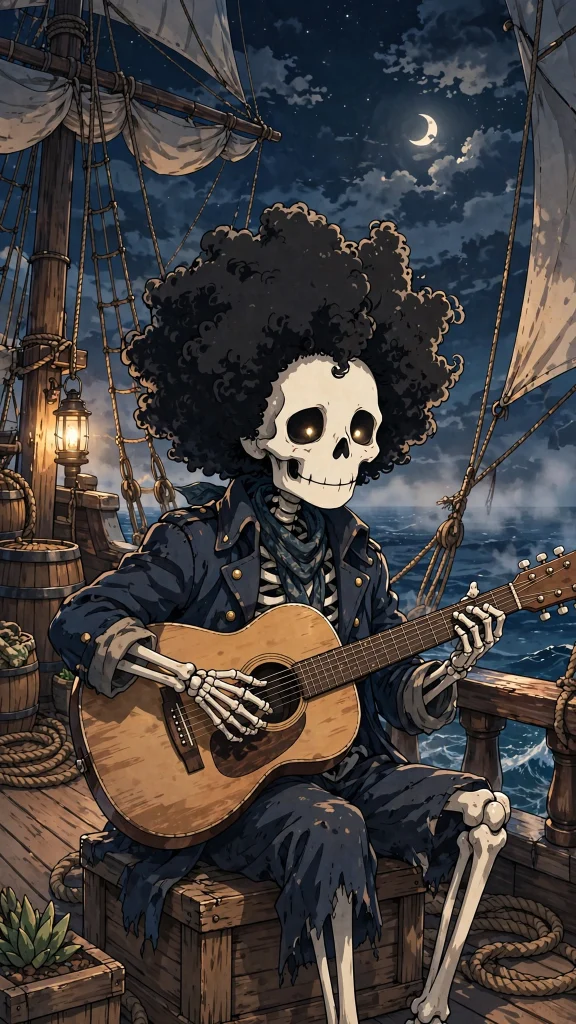
A tall skeleton musician strums his guitar on the deck, grinning wide beneath a big brimmed hat, tapping one bony foot. Quirky and joyful, it adds a playful musical note to your daily scroll.
💀 14. Flag of the Brave

A black pirate flag fills the whole frame, its white skull staring out against a dark, dramatic sky. Simple, bold and unmistakable, this one piece wallpaper makes a real statement.
🕊️ 15. Seagulls Over Open Water
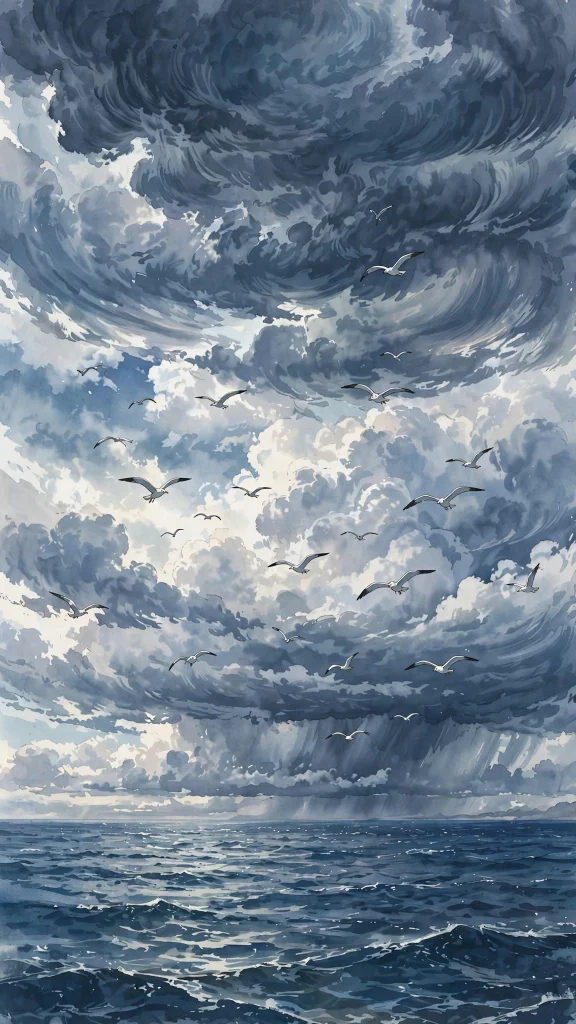
White seagulls wheel slowly across a cloudy sky above an endless stretch of quiet open ocean. Soft and spacious, it keeps your icons easy to read and your screen feeling calm.
🦌 16. Pink Hat in the Snow

A tiny reindeer in a pink hat stands in softly falling snow, looking up with wide, gentle eyes. Sweet and tender, it is easily the softest design in the whole collection.
💥 17. A Punch Full of Energy
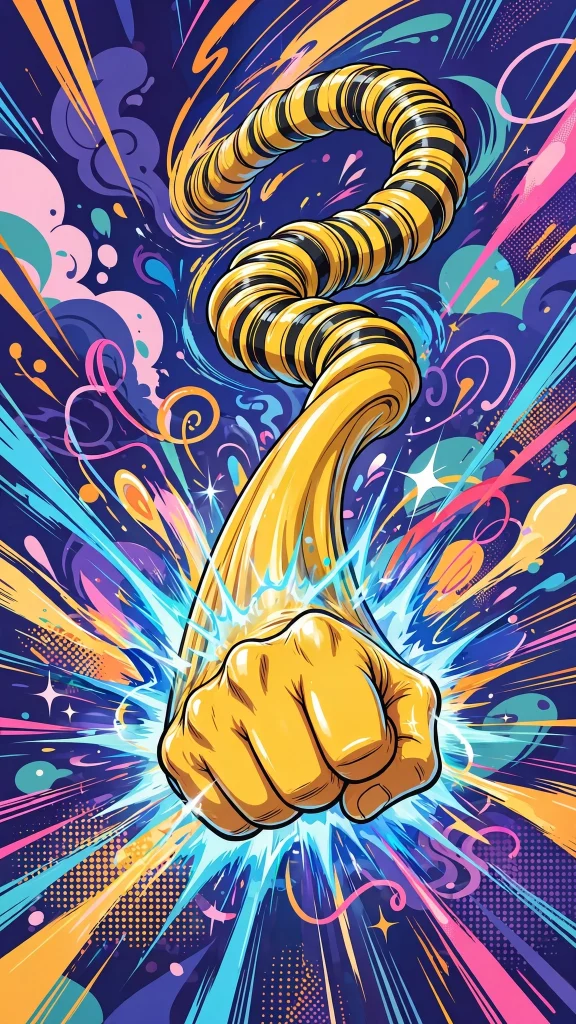
A rubber fist stretches forward with crackling energy, caught mid strike in a burst of speed and motion. Loud, fun and full of momentum, it is the pick for pure action fans.
Why You Will Love These One Piece Wallpaper Designs
Adventure looks incredible on a phone screen, and a one piece wallpaper delivers it in every pixel.
- Epic ocean and sunset scenes full of color
- Playful crew moments and legendary ships
- A true sense of adventure on every unlock
- Bright anime art that glows on any display
- Free to download and fun to rotate
How to Download and Set Your One Piece Wallpaper
- Touch and hold the one piece wallpaper you want, then save it to your Photos or Gallery.
- On iPhone, go to Settings, tap Wallpaper, then Add New Wallpaper and pick the saved image.
- Frame your favorite pirate scene, tap Add, and choose Lock Screen, Home Screen, or both.
- On Android, open the image in your Gallery, tap the menu, and select Set as wallpaper.
- Confirm and set sail with an adventurous new screen.
❓ FAQs About One Piece Wallpaper
1. What is the best one piece wallpaper?
The pirate ship at sunset and the straw hat on the beach are the most loved one piece wallpaper picks. They capture the adventure spirit in a single beautiful frame.
2. Are these one piece wallpapers free?
Yes, all 17 designs are free for personal use. Download the whole crew if you like and change your wallpaper with every new arc.
3. Which one piece wallpaper suits a bright home screen?
The tropical island, floating island and sunny beach designs are bright and cheerful. They look fantastic behind colorful app icons.
4. Is there a dark one piece wallpaper?
Yes. The pirate flag close-up and the dramatic cloudy ocean are darker picks that look great with dark mode and make bright icons pop.
5. Can I use one piece wallpaper on my iPhone lock screen?
Of course. Save the image, open Settings, tap Wallpaper and add it as your lock screen. The portrait format fits iPhone screens perfectly.
6. Do these work on Android phones?
They do. Every design is portrait sized for phones, so Android users can save and set them just as easily.
Conclusion
A one piece wallpaper keeps the adventure alive every time you check your phone. Choose the scene that makes you dream of the open sea, set it today, and chase your own grand line.
And if you are still browsing, our ipad wallpaper aesthetic collection is another reader favorite.