17 Wallpaper Aesthetic Home Screen Ideas for 2026
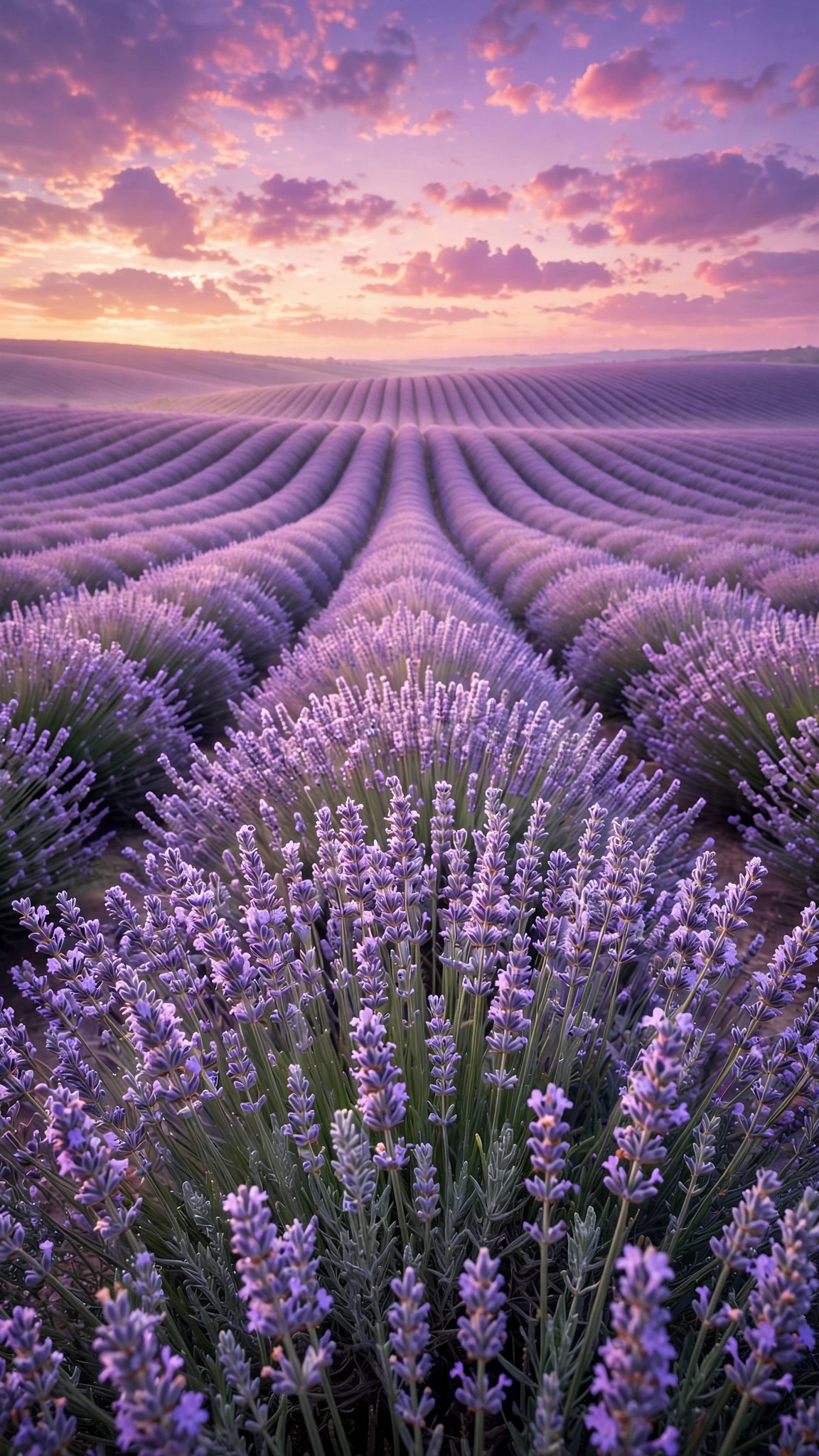
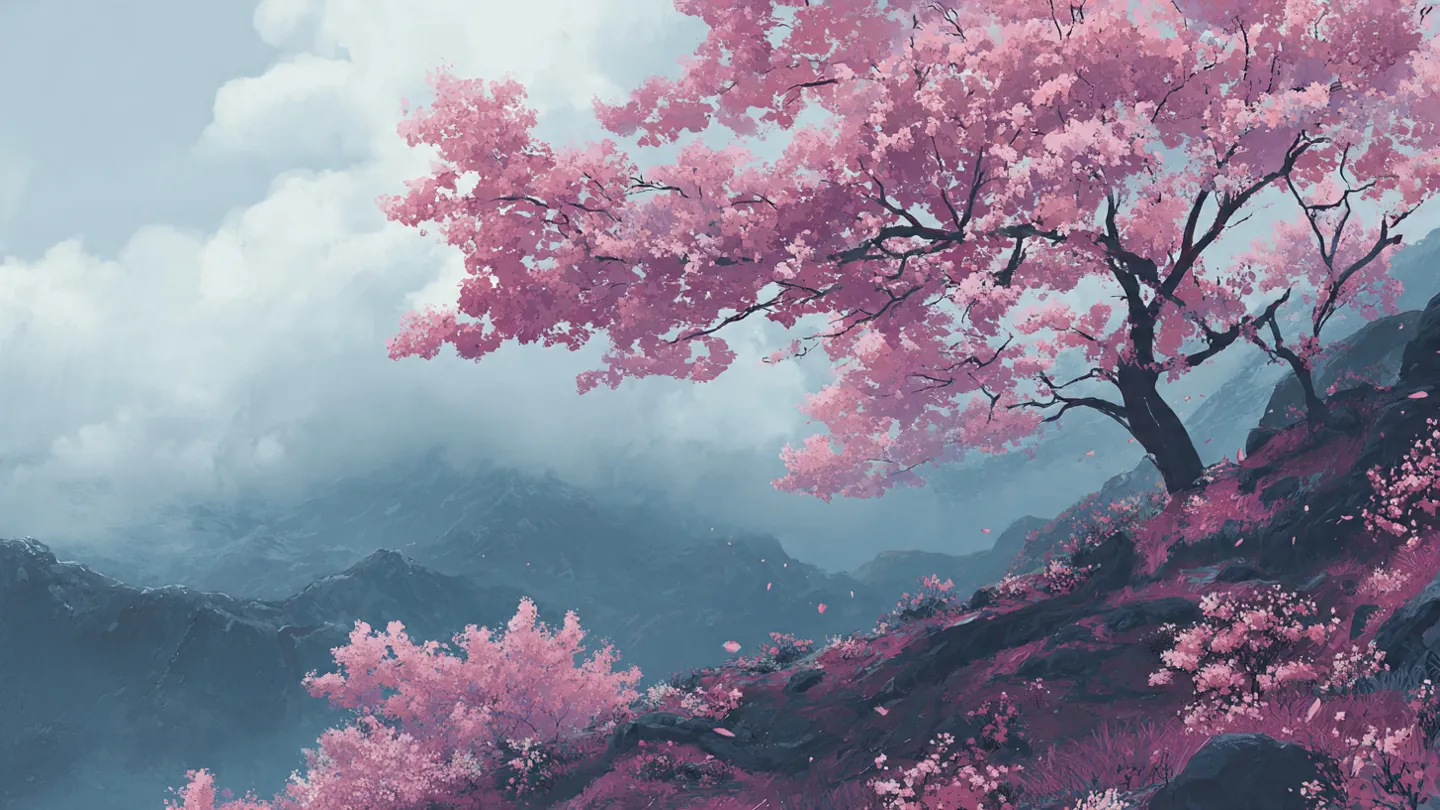
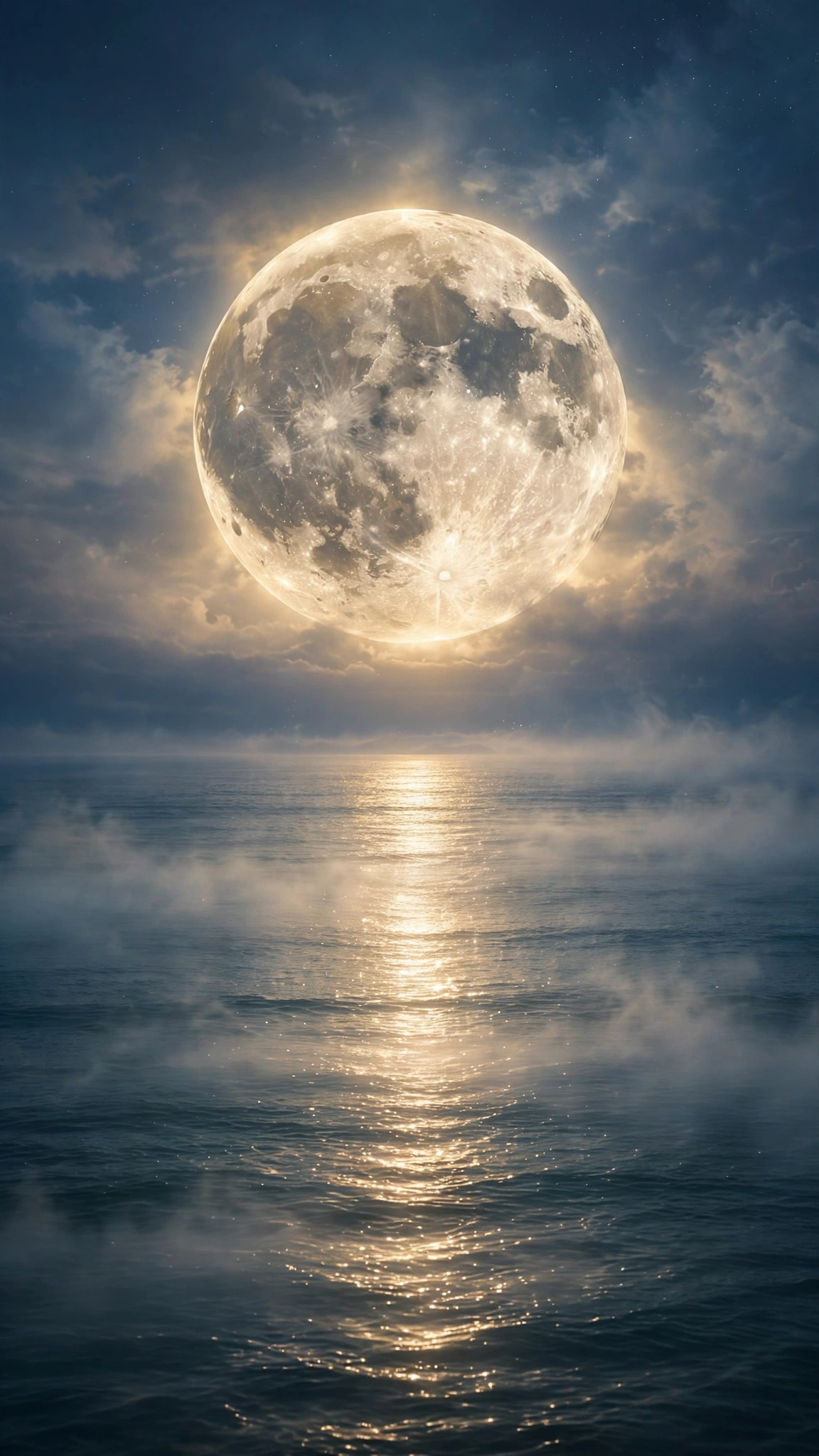
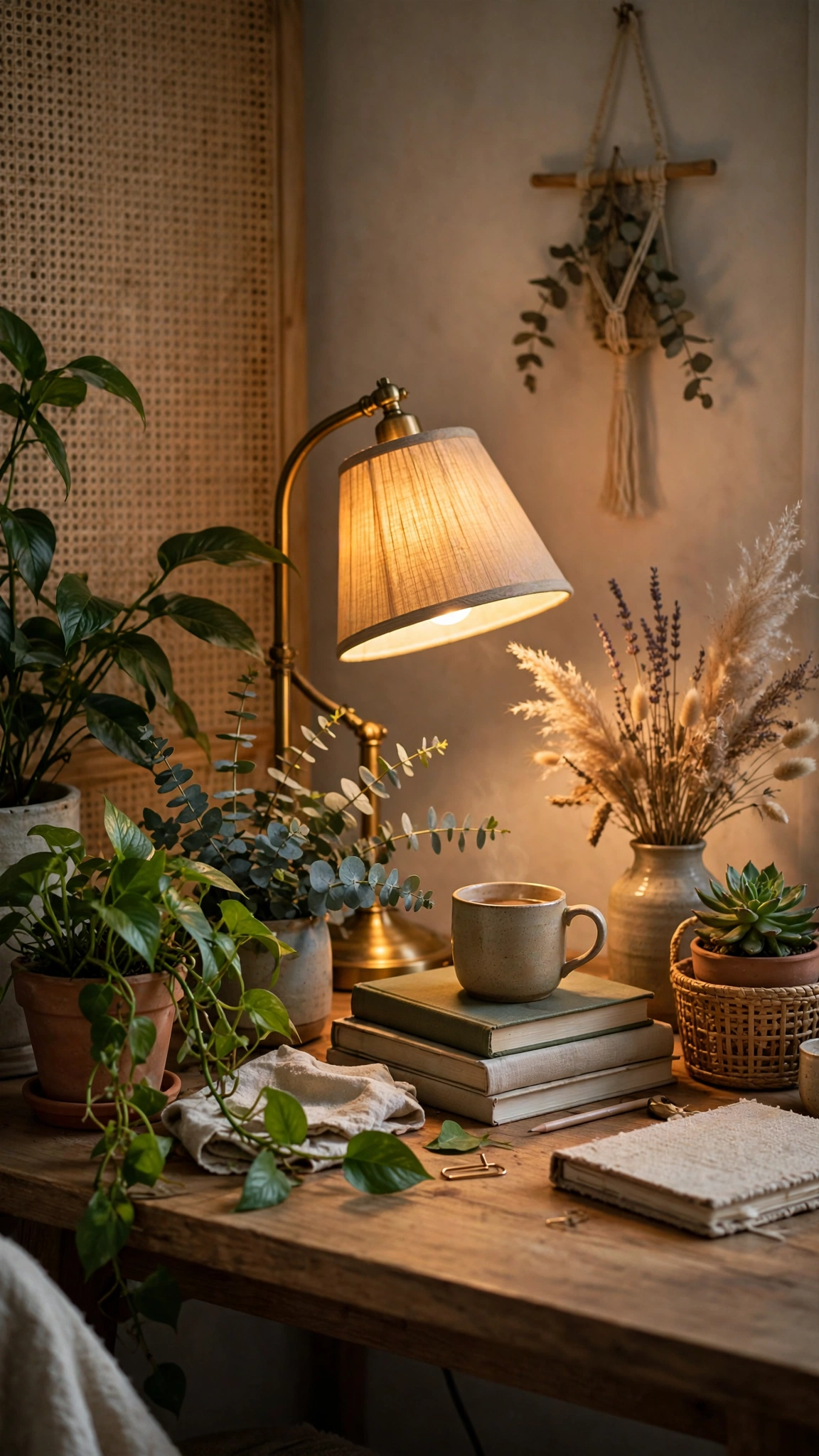
A beautiful wallpaper aesthetic home screen can change how your whole phone feels. With the right calm and minimal background, your icons pop, your widgets look tidy, and every unlock feels a little calmer. Below you will find 17 aesthetic phone wallpapers in soft, widget-friendly designs, from warm beige gradients to gentle botanical still life shots. Pick your favorite, save it, and set it in under a minute.
All of these designs were created with real home screens in mind. They stay quiet behind your apps instead of competing with them, so your clock, calendar widget, and favorite apps are always easy to read. Whether you like warm neutrals, soft skies, or simple geometric shapes, there is a wallpaper aesthetic home screen here that fits your style.
🏡 17 Best Wallpaper Aesthetic Home Screen Ideas to Try Right Now
Here are 17 wallpaper aesthetic home screen designs, from calm neutrals to soft skies. Choose the one you love.
🌾 1. Soft Beige Gradient Grain

A soft beige gradient drifts gently across the screen with a fine, subtle grain texture. Warm and quiet, it gives your icons a calm backdrop that never distracts from them.
🏛️ 2. Cream Arch with Open Space
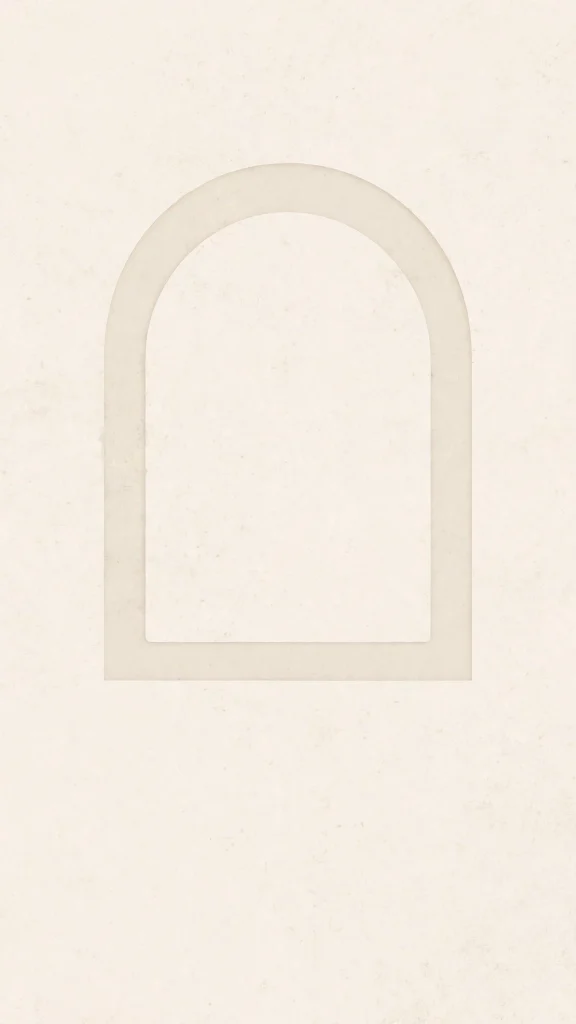
A minimal cream arch rises softly in the center, leaving open space all around it. Made for tidy home screens, it frames your widgets and icons like a little gallery wall.
🧺 3. Warm White Linen Texture
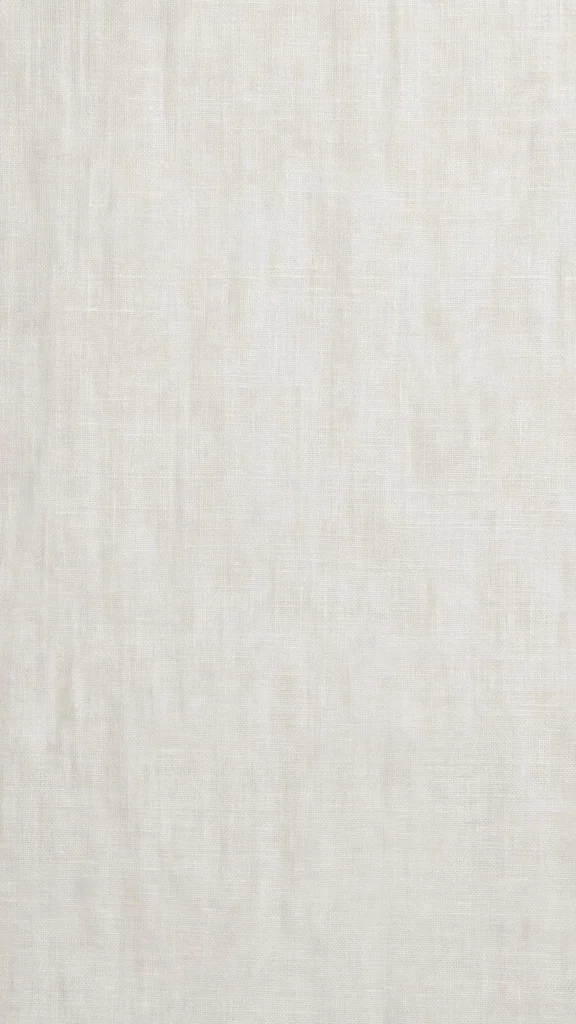
The fine weave of warm white linen fills the whole screen with a soft, natural texture. It feels like a freshly made bed, clean and restful behind your daily apps and folders.
🪨 4. Warm Gray Concrete Calm

Smooth warm gray concrete gives the screen a grounded, modern texture with soft tonal shifts. Understated and versatile, it pairs well with monochrome or muted icon sets.
☁️ 5. Cream Tones Cloudy Sky

Soft clouds drift through a neutral sky warmed with gentle cream tones near sunset. Airy and open, it keeps the top of your screen light and clear for the clock and date.
🌸 6. Airy Pink Cloud Gradient
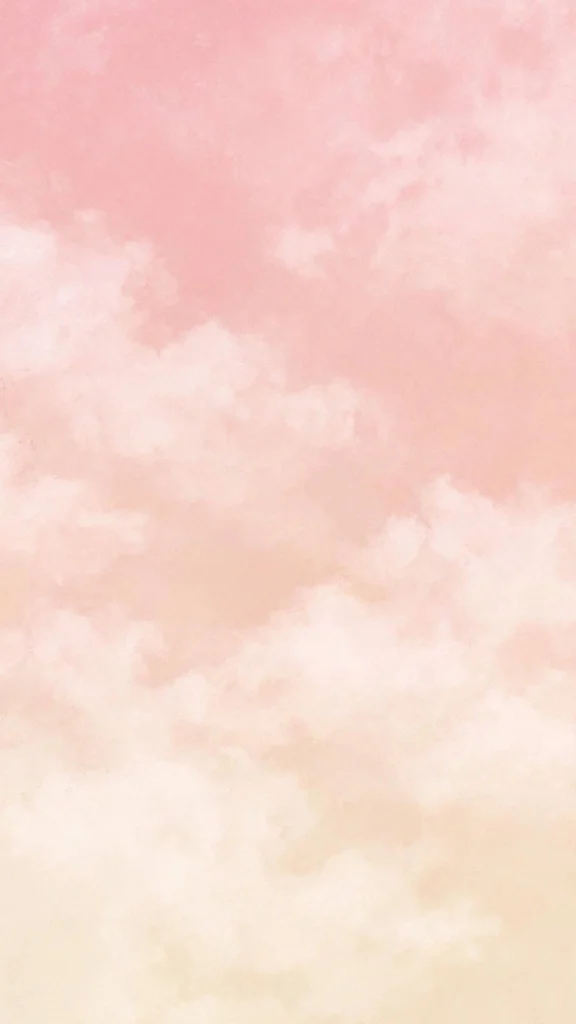
A gentle gradient of soft pink clouds melts slowly from one shade into the next like cotton candy. Dreamy but simple, it suits pastel themes and light, feminine icon packs well.
🏖️ 7. Sand Dunes in Morning Light

Smooth sand dunes curve gently under pale morning light, their ridges softly shadowed. The soft shadows and warm sandy tones make a restful background for busy days ahead.
🌅 8. Muted Sunrise Over Sea
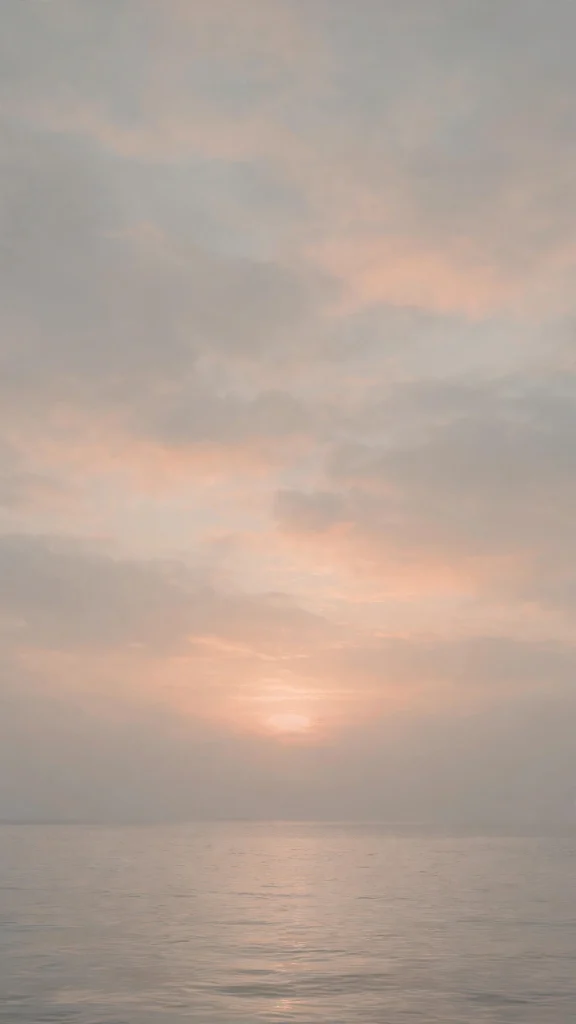
A minimalist sunrise lifts over a calm sea at dawn, painted in soft muted colors. Quiet and balanced, it is a gentle way to begin the day every time you check the time in the morning.
🌲 9. Foggy Forest Gray Green
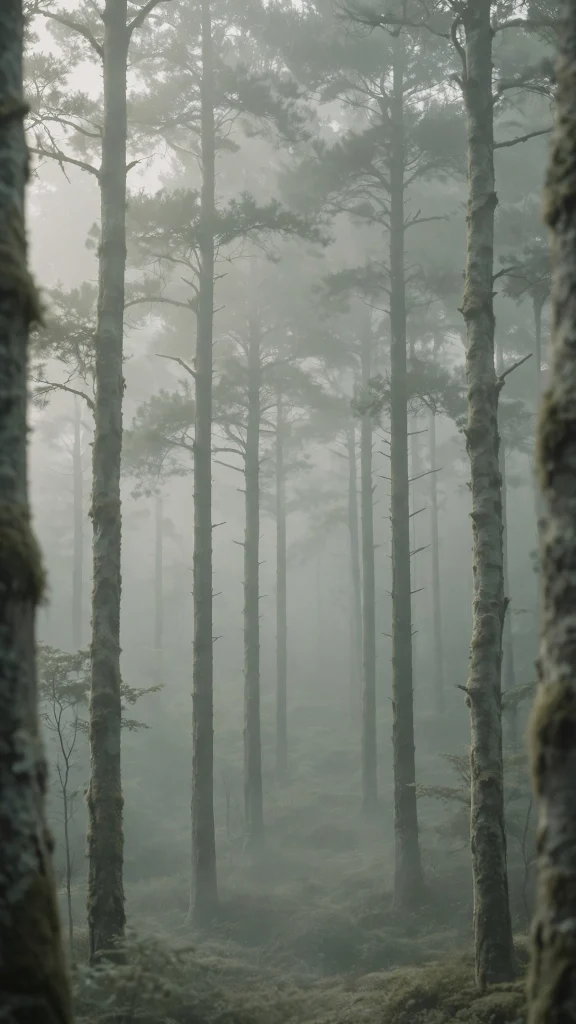
Tall trees fade deep into thick morning fog in muted shades of gray and soft green. Moody yet peaceful, it brings a little woodland quiet to your screen without darkening it too much at all.
For a change of mood, explore our wallpaper aesthetic pink soft collection next, it pairs beautifully with these.
🟢 10. Sage Green Soft Circles
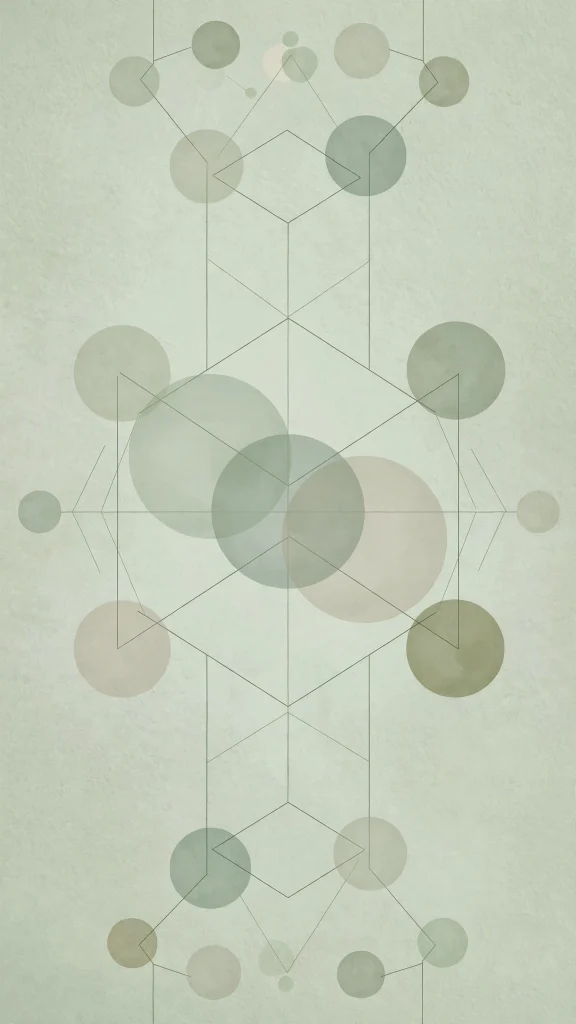
Soft circles overlap in quiet layers on a sage green base, forming a calm geometric pattern. Fresh and orderly, it suits anyone who likes a modern but gentle, natural look.
🪟 11. Abstract Arches on Ivory
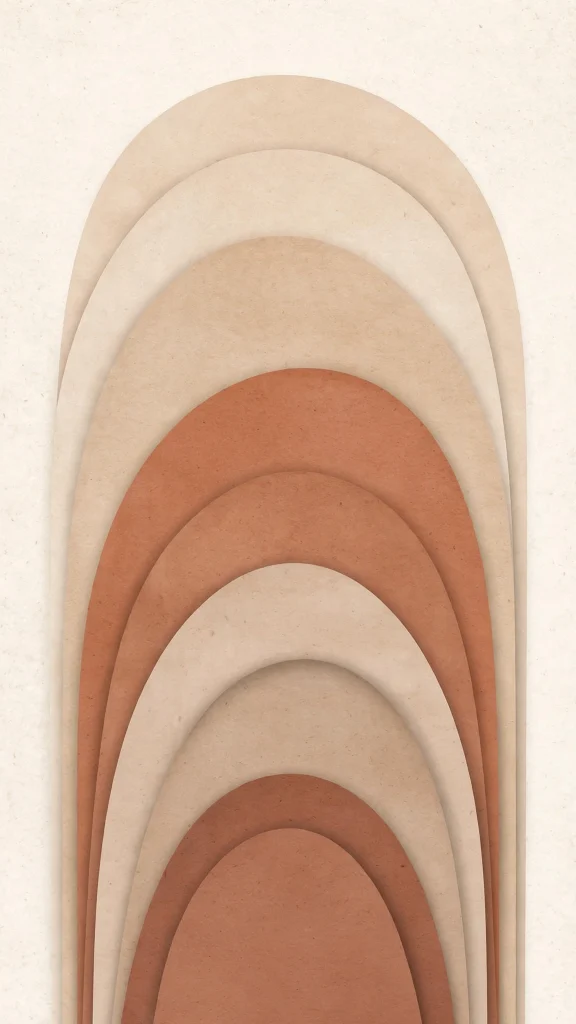
Beige arch shapes layer softly over an ivory base in a quiet, balanced abstract arrangement. Warm and sculptural, it echoes the calm of a sunlit gallery or studio wall at home.
🫧 12. Pastel Blobs on Ivory
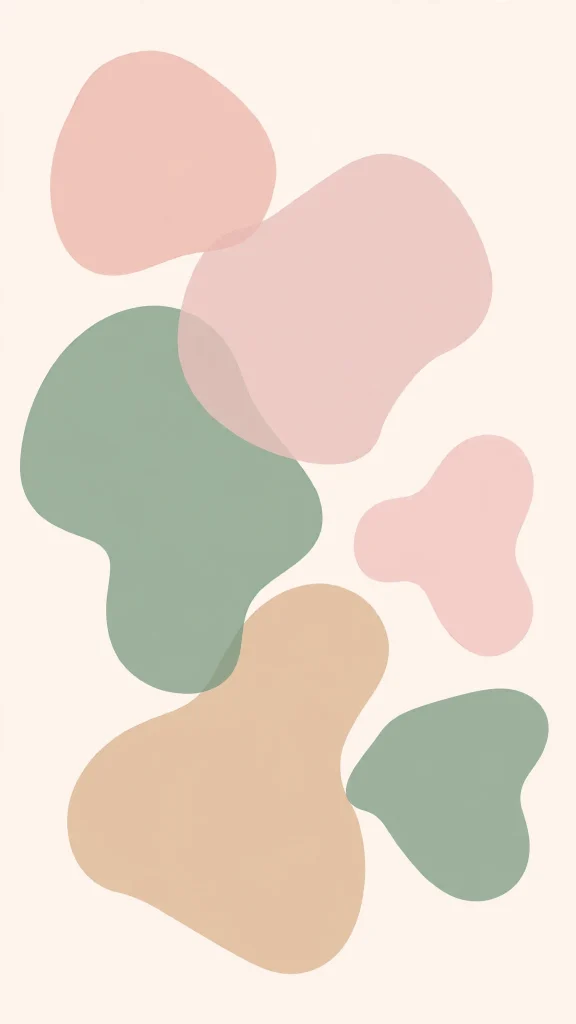
Rounded pastel blobs float softly across an ivory background in loose, uneven shapes. Playful yet calm, it adds a little personality to your screen without shouting for attention.
🧱 13. Terracotta and Beige Blocks
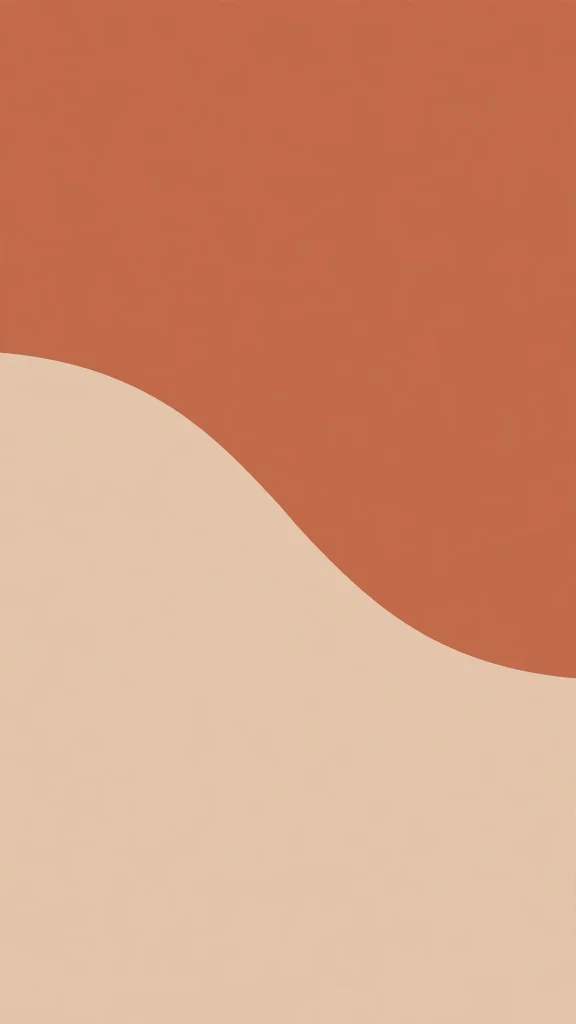
Bold blocks of terracotta and soft beige meet in clean, simple, warm sections of color. Earthy and confident, it looks especially good with warm toned widgets and folders.
🍂 14. Dried Flowers on Off White
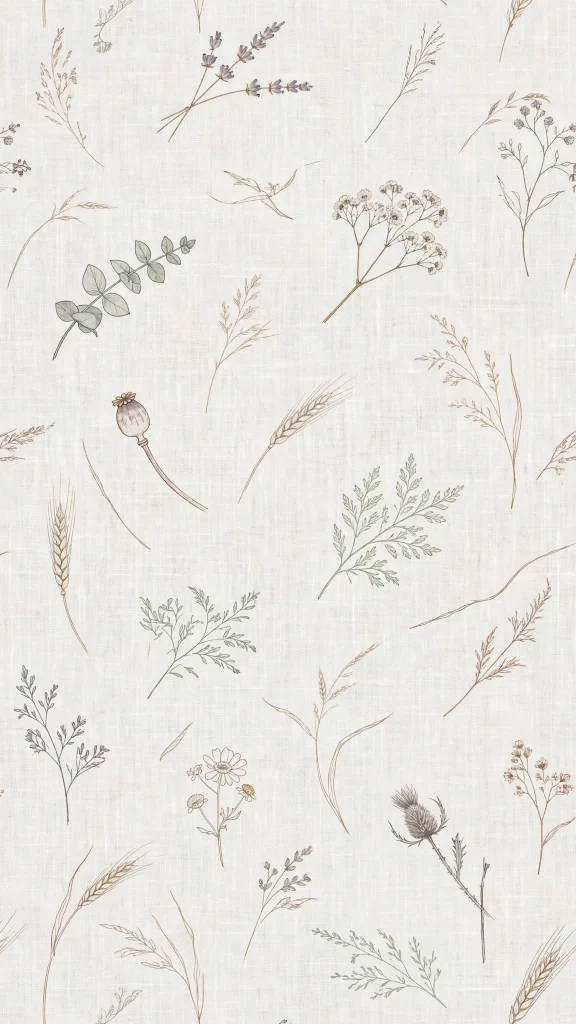
A delicate pattern of dried flowers spreads gently across an off white background. Vintage and gentle in feel, it suits slow, thoughtful home screen setups and reading apps.
🏺 15. Ceramic Vase Still Life
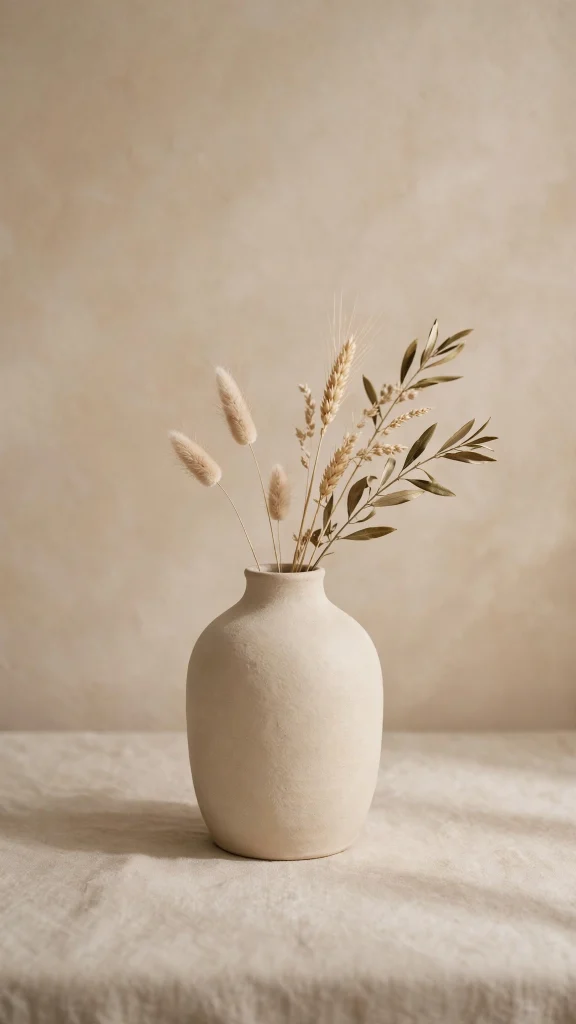
A neutral ceramic vase rests in warm side light, casting a long, soft shadow on the wall. Simple and composed, it brings a calm, styled corner of your home right to your screen.
🌿 16. Eucalyptus Shadows on Cream
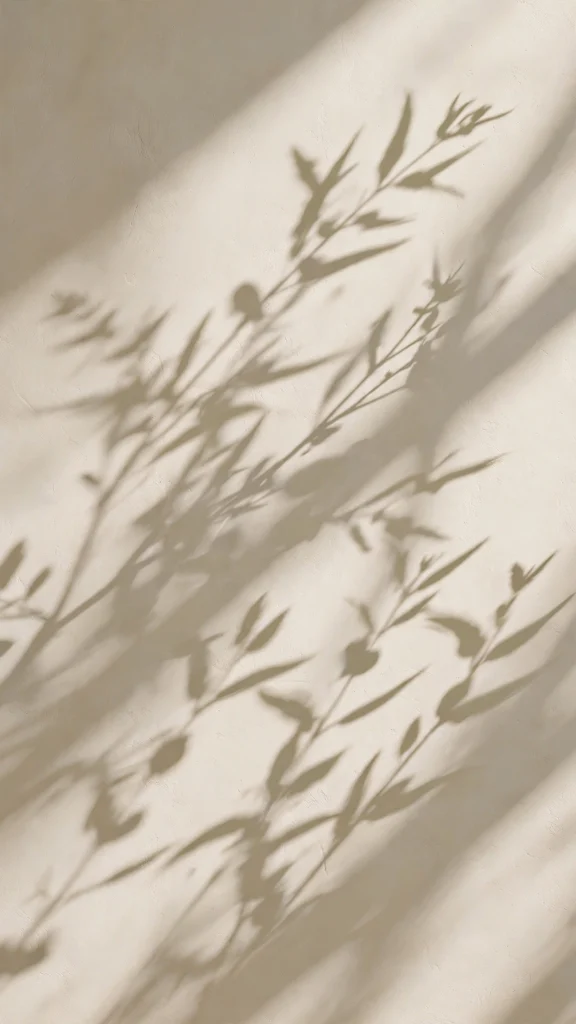
Soft shadows of eucalyptus leaves fall gently across a warm cream wall in afternoon light. Light, natural and serene, it is lovely behind a simple clock or calendar widget.
🌼 17. Pressed Wildflowers on Linen
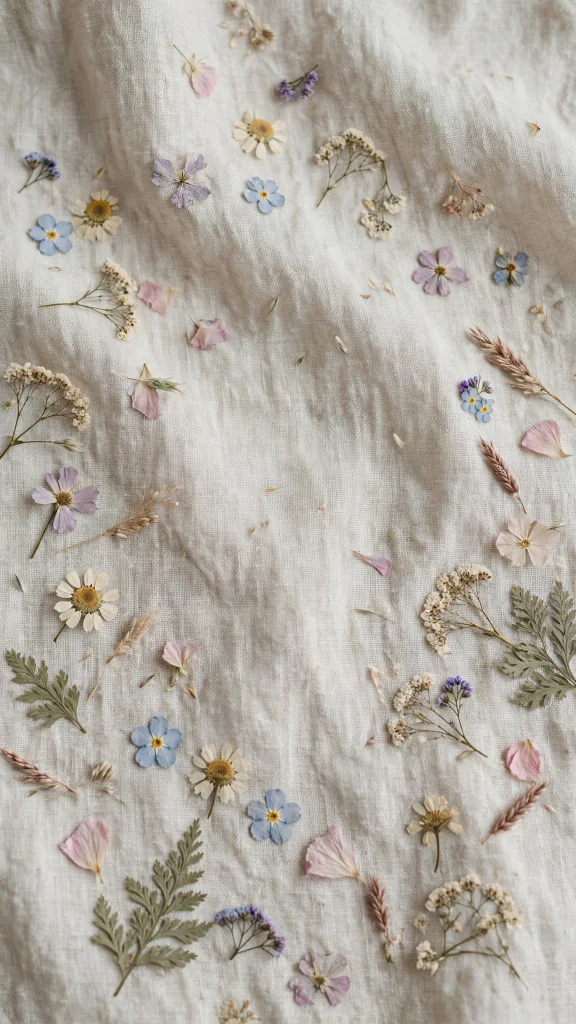
Pressed wildflowers rest on natural linen in soft, muted tones of cream and sage. It closes the collection with a handmade, storybook feel that stays easy on the eyes all day.
Why You’ll Love These Wallpaper Aesthetic Home Screen Designs
A wallpaper aesthetic home screen is more than just a pretty background. The right one makes your phone feel organized and personal at the same time, and it pairs beautifully with widgets, icon packs, and lock screens. Here is why these designs work so well on real home screens.
- Widget friendly layouts: calm areas of color keep your clock, calendar, and weather widgets easy to read.
- Soft, timeless tones: warm beiges, creams, and muted greens never clash with your app icons.
- Minimal and clutter free: simple shapes and textures look good even behind full pages of apps.
- Works day and night: gentle contrast stays easy on the eyes in bright sunlight and dark rooms.
- Matches any phone: these neutral aesthetics suit both iPhone and Android home screens perfectly.
How to Download and Set Your Wallpaper Aesthetic Home Screen
- Choose your favorite design from the gallery above and press and hold the image to save it to your photos.
- On iPhone: open Settings, then Wallpaper, then tap Add New Wallpaper. Select Photos, pick your saved image, and position it so the calm areas sit behind your widgets. Tap Add, then choose Set as Home Screen.
- On Android: open Settings, then Wallpaper and style (or Display, then Wallpaper on some phones). Tap Change wallpaper, choose your saved image from your gallery, adjust the crop, and apply it to your Home screen.
- Long press on an empty area of your home screen and open the customization options to add widgets that match the soft tones of your new wallpaper.
- Step back and enjoy your new wallpaper aesthetic home screen, and swap in a fresh design whenever you want a new mood.
❓ FAQs About Wallpaper Aesthetic Home Screen
1. Where can I find a wallpaper aesthetic home screen for free?
You can find free options right here on this page. Simply save any of the 17 designs to your phone and set it as your home screen in the Settings app. All of them are sized for modern phones and work on both iPhone and Android.
2. What makes a good wallpaper aesthetic home screen?
A good wallpaper aesthetic home screen uses calm colors, simple shapes, and soft textures that do not fight with your icons. It should leave open areas for widgets and keep text readable, which is exactly how the designs in this collection were made.
3. Are these wallpapers good for both iPhone and Android?
Yes, every wallpaper here is a vertical portrait design that fits both iPhone and Android home screens. The calm, centered compositions adjust well to different screen sizes, notches, and punch hole cameras without losing the main subject.
4. How do I keep my icons readable on a wallpaper aesthetic home screen?
Pick a wallpaper with calm, even areas of color and position your icons over the simplest part of the image. Light wallpapers pair well with dark mode icons, and you can also add a slight dim or blur to the wallpaper in your phone’s settings for extra contrast.
5. What size should a wallpaper aesthetic home screen be?
Most modern phones use a 9:16 or taller portrait ratio, and these wallpapers are created in that format. When you set one, your phone will let you pinch and crop it to fit your exact screen, so nothing important gets cut off.
6. Can I use these wallpapers on my lock screen too?
Absolutely. A wallpaper aesthetic home screen design looks just as good on your lock screen, and using the same image for both creates a clean, matching look. On iPhone you can set the same photo for both screens in one tap, and on Android you can apply it to both during setup.
Conclusion
Your home screen is the part of your phone you see the most, so it deserves a background you actually enjoy looking at. With these 17 calm and minimal designs, finding your ideal wallpaper aesthetic home screen takes less than a minute. Save your favorites, try a few different moods, and let your phone feel as peaceful as your feed.
And if you are still browsing, our wallpaper aesthetic laptop hd 1080p collection is another reader favorite.