17 Wallpaper Aesthetic iPhone Homescreen Ideas
Your homescreen is the first thing you see every time you unlock your phone, so it should make you happy. A good wallpaper aesthetic iphone homescreen design sits quietly behind your app icons, adds a splash of style, and still keeps everything easy to read. Below you will find 17 free designs in different moods, from soft neutrals to dreamy sunsets, so you can find the one that fits your vibe.
Every image in this collection is made in a tall portrait size that fits iPhone screens perfectly. Just scroll through, pick your favorite, and follow the simple steps near the end to set it in seconds.
✨ 17 Best Wallpaper Aesthetic iPhone Homescreen Ideas
Here are 17 wallpaper aesthetic iphone homescreen ideas, from soft beige textures to dreamy skies. Choose the one you love.
🤎 1. Soft Beige Shapes
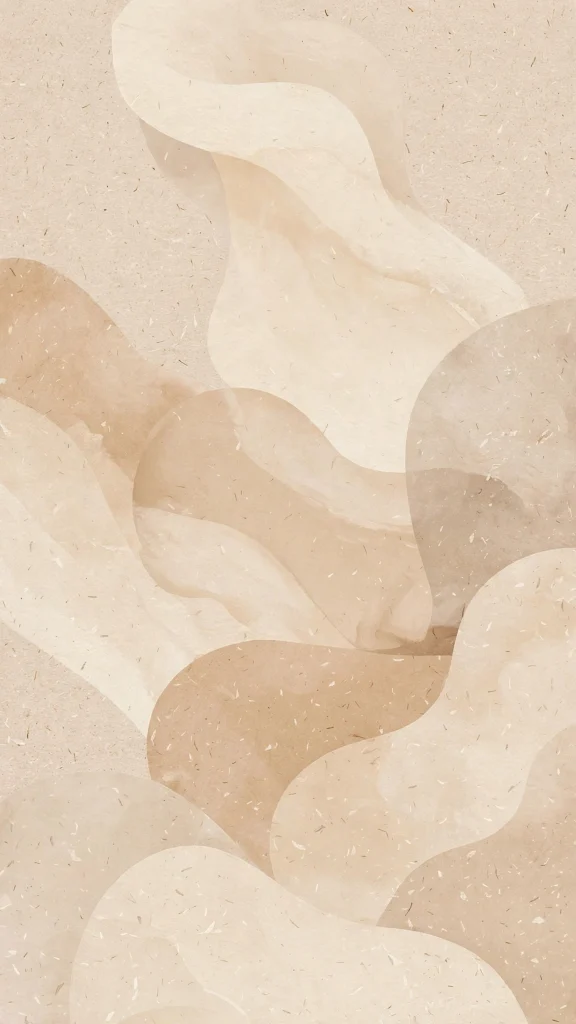
Soft abstract shapes in warm beige tones drift across the screen, calm and completely uncluttered. A gentle base for a tidy wallpaper aesthetic iphone homescreen that never fights your icons.
✒️ 2. Black Lines on Cream
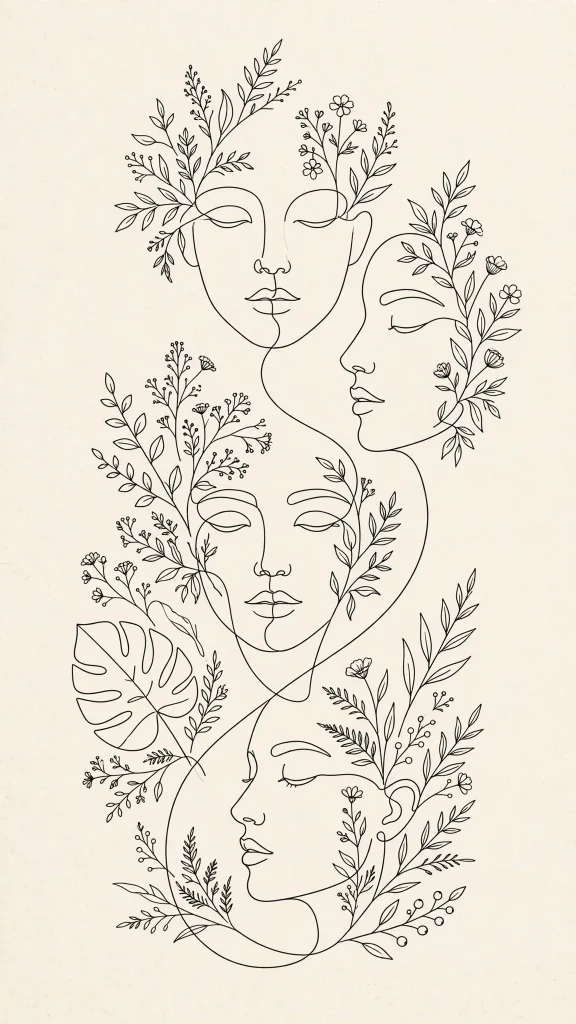
A single black line wanders across a cream background, drawn with an easy, artistic hand. Minimal and calm, it suits anyone who likes their home screen clean and gallery quiet.
🌾 3. Layered Neutral Tones
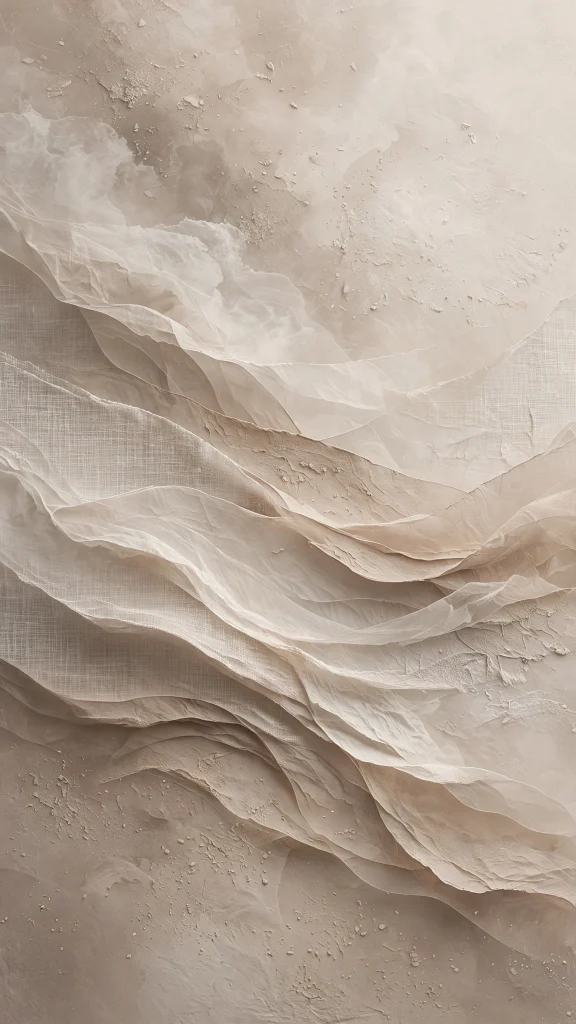
Layers of neutral beige texture stack softly, like linen folded over sand colored paper. Warm and simple, it pairs well with earthy widgets and a slow morning scroll through your apps.
☕ 4. Coffee and a Good Book

A cup of coffee rests beside an open book, steam curling gently in the soft window light. It is a small pause in picture form, perfect for readers and slow weekend starts.
☁️ 5. Pastel Pink Clouds

Pastel pink clouds pile up like cotton candy in a soft, dreamy evening sky. Sweet and airy, this one keeps your home screen light while the clock stays easy to read at a glance.
🌤️ 6. White Clouds, Blue Sky

Fluffy white clouds drift through a clear blue sky, bright and full of fresh air. A classic feel-good backdrop that works happily with almost any app layout or widget style you like.
🌅 7. Beach Sunset Glow
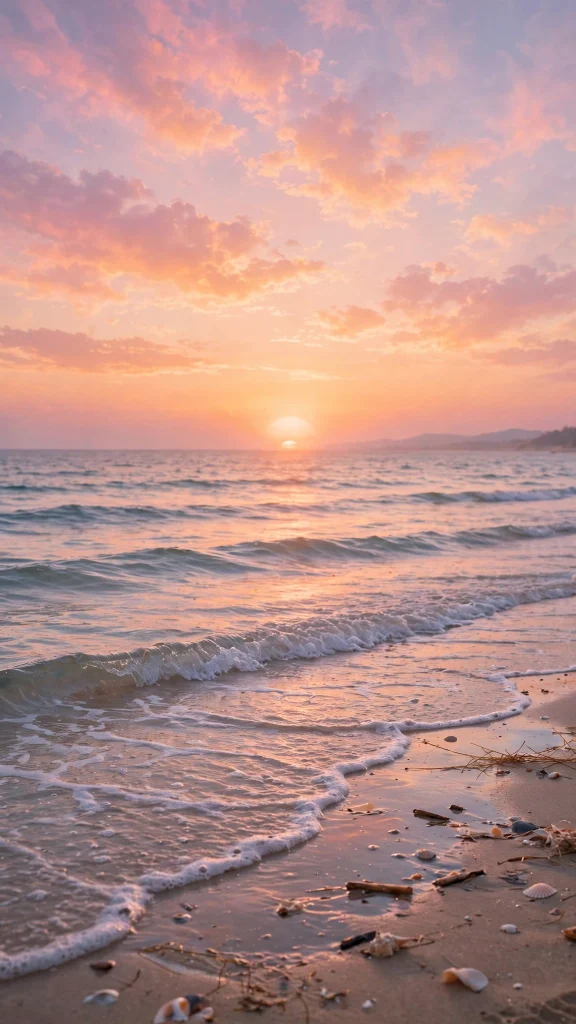
Waves roll in under a beach sunset, the water catching soft pink and gold as the light fades. A calming end of day scene for anyone who can almost hear the sea in their sleep.
🌄 8. Sunset Over Rolling Hills

Golden light spills over rolling hills at sunset, long shadows stretching across the grass. Warm and open, it brings a little countryside calm to your daily home screen routine.
🌕 9. Full Moon Night
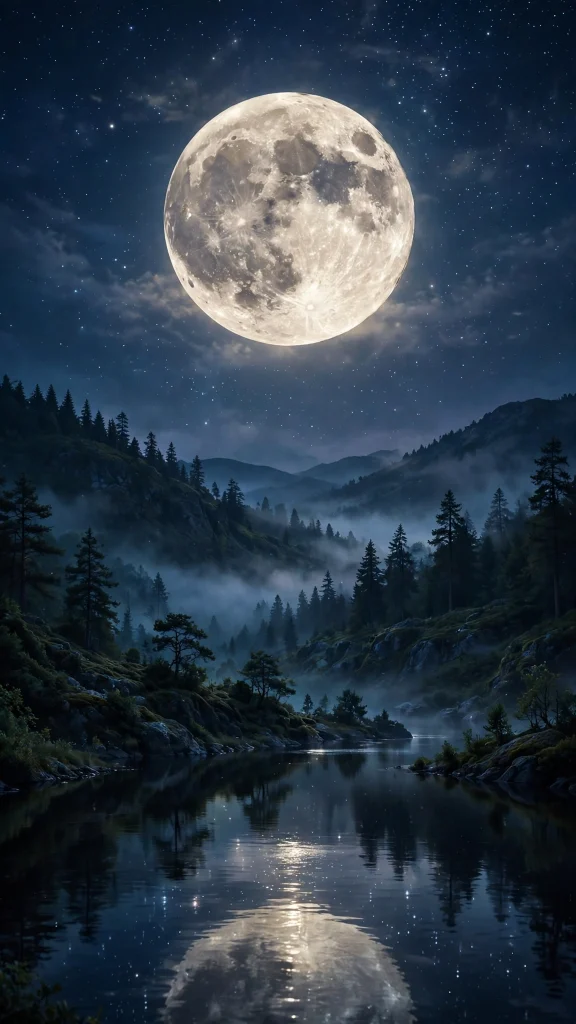
A peaceful full moon hangs in a deep night sky, calm and quietly bright over everything below. Lovely with dark mode, it gives your late night checks a soft, steady glow.
If you enjoy this style, our wallpaper aesthetic pink soft collection is worth a look too, with even more designs to browse.
🌿 10. Sage Eucalyptus Leaves
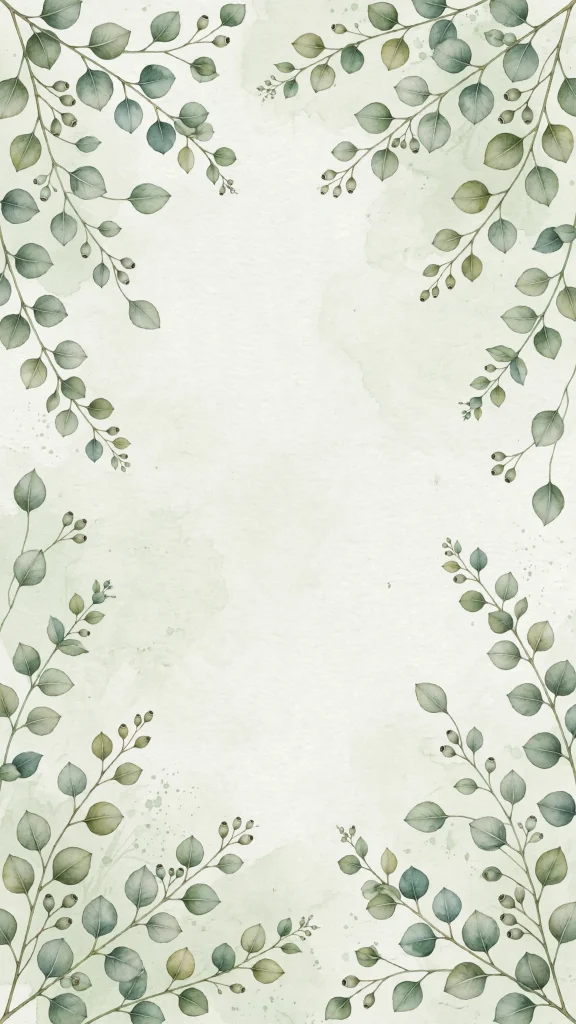
Sage green eucalyptus leaves fan out in soft, dusty tones against a pale backdrop. Fresh and botanical, it brings a breath of the garden to your wallpaper aesthetic iphone homescreen.
🌼 11. White Daisies in Bloom
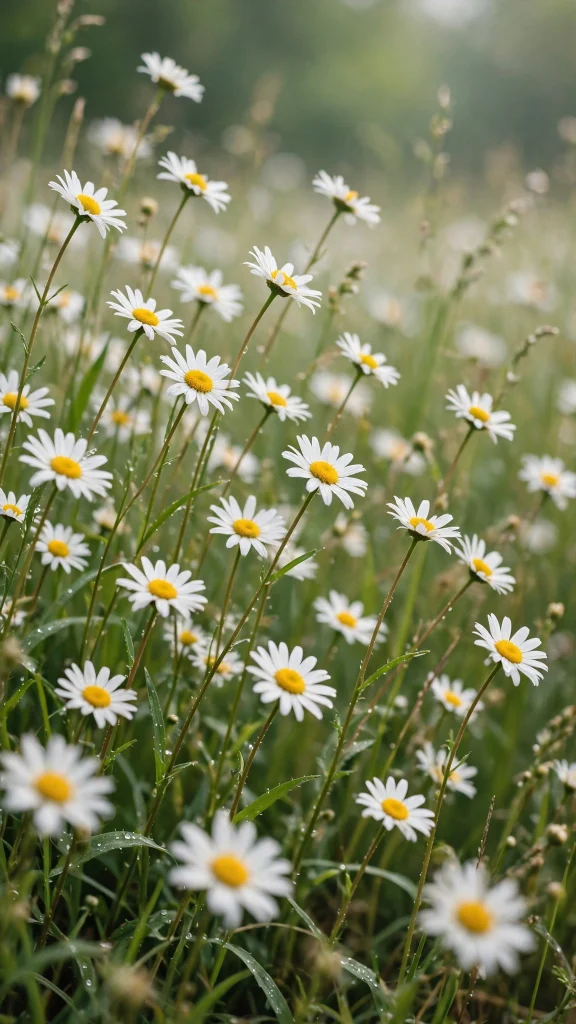
White daisies open across a green field, simple and bright under the warm daylight. Cheerful without shouting, it is an easy favorite for spring and summer screens alike.
🪴 12. Monstera and Ferns
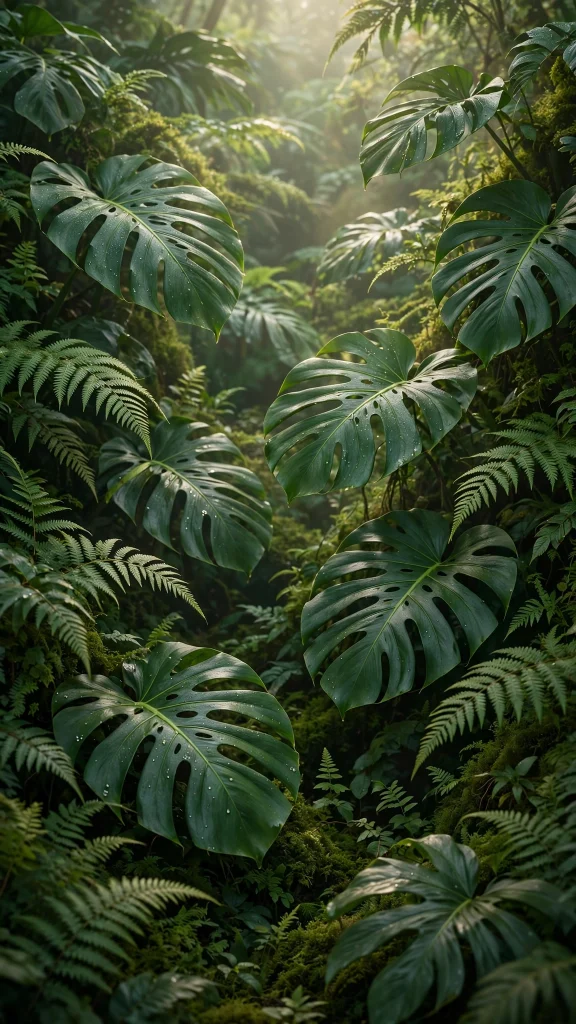
Monstera leaves and soft ferns layer together into a lush, deep green corner of jungle calm. Rich and leafy, it suits plant lovers who want their screen to feel fresh and alive.
🌊 13. Turquoise Waves Rolling In

Turquoise waves curl and foam in clear tropical water, bright and sparkling all the way through. Fresh and energizing, it is a little splash of holiday for your home screen.
🦋 14. Pastel Butterflies and Flowers
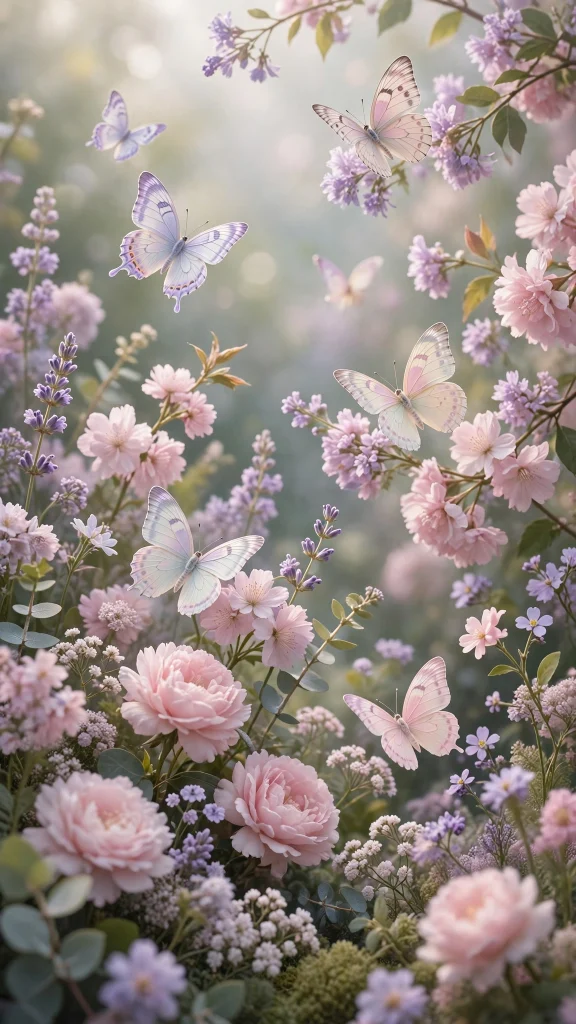
Pastel butterflies flutter among soft blooming flowers in pink, lilac and gentle cream tones. Delicate and storybook sweet, it adds a soft, happy lift behind your favorite apps.
🛋️ 15. Moody Room, Warm Lights
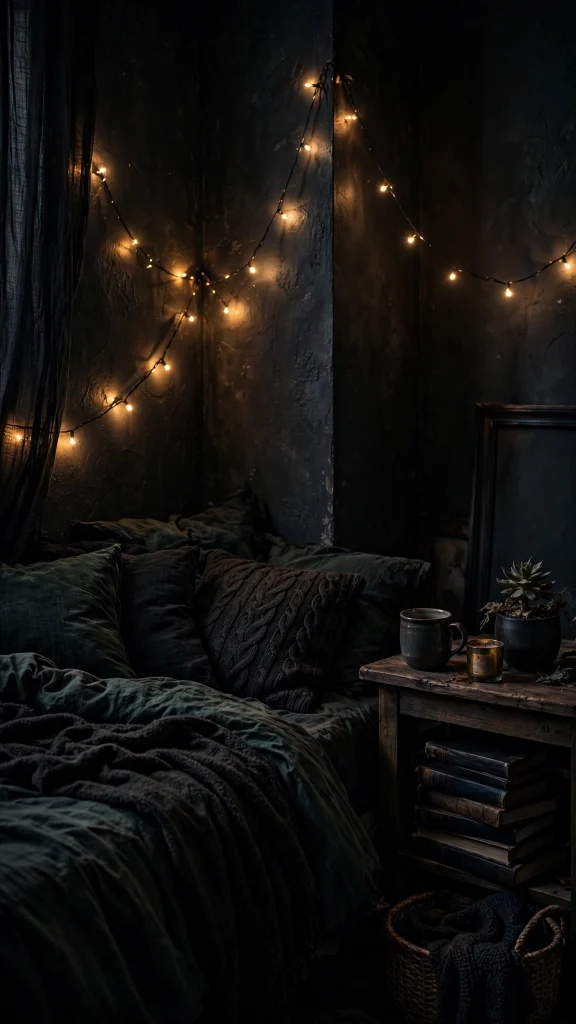
A dark, moody room glows with warm string lights strung softly across the quiet shadows. Cozy and cinematic, it is made for slow evening scrolling and quiet nights in at home.
🎞️ 16. Film Street at Dusk
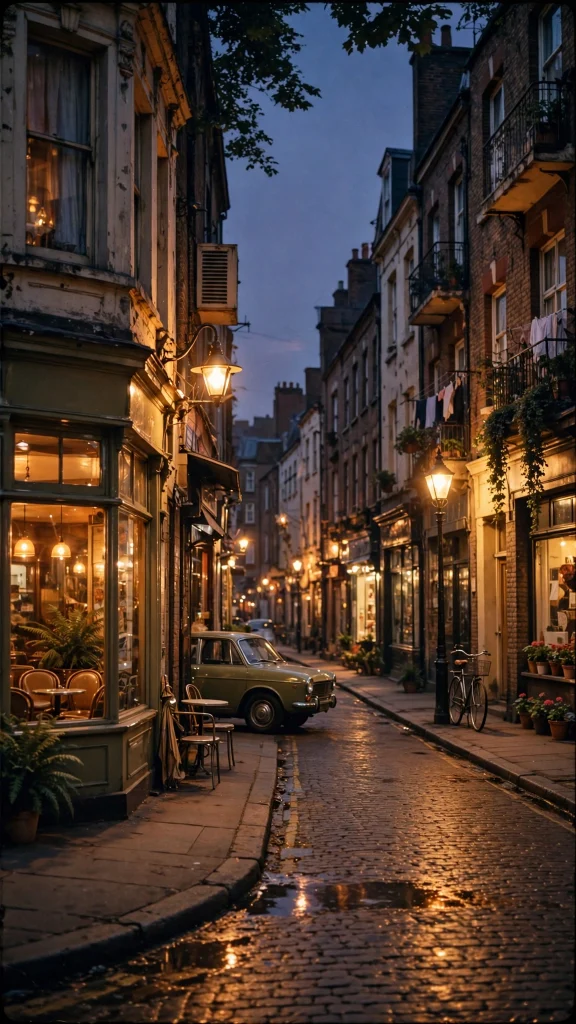
A vintage street scene at dusk, shot on film with soft grain and faded warm tones. Nostalgic and unhurried, it gives your whole screen the feel of a well loved old photograph.
📸 17. A Collage of Polaroids
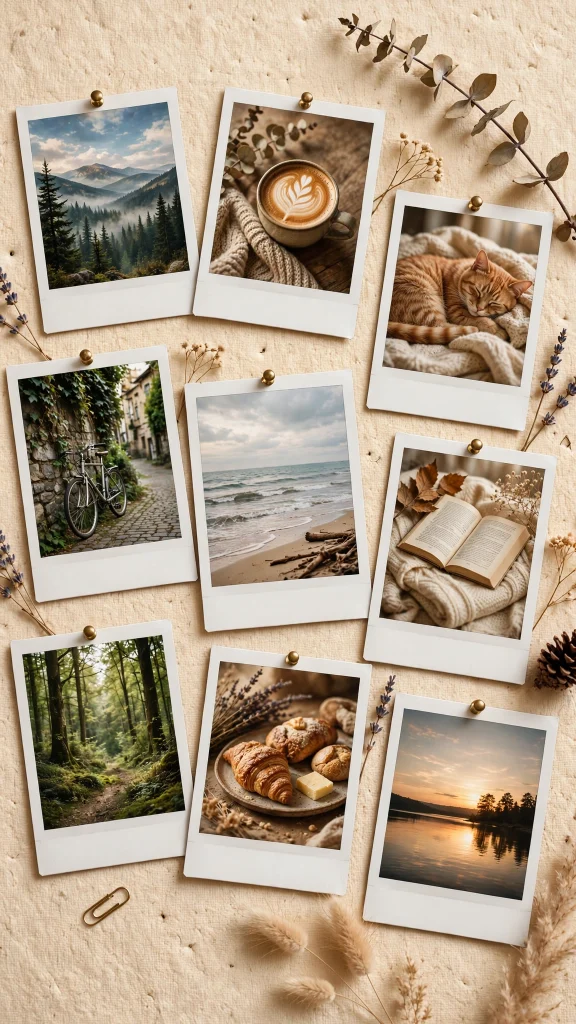
A scatter of polaroid photos overlaps in a casual collage, all soft light and sweet saved moments. Personal and warm, it closes the set like a favorite page from a memory book.
Why You Will Love These Wallpaper Aesthetic iPhone Homescreen
These designs were picked for real homescreens, not just pretty previews. They keep your app icons readable while adding personality to your lock screen and homescreen.
- Every wallpaper is free to download and sized for iPhone portrait screens.
- Soft, balanced colors that look great behind app icons without clashing.
- Seventeen different styles, from minimal neutrals to bold sunsets and vintage film.
- No text or logos baked into the images, so your screen always looks clean.
- Works with both light and dark mode app icons.
How to Download and Set Your Wallpaper Aesthetic iPhone Homescreen
- Tap and hold the image you like, then save it to your Photos or Gallery app.
- On iPhone, open Settings, then go to Wallpaper and tap Add New Wallpaper.
- Choose Photos, select the saved image, and pinch to adjust it to fit your screen.
- Tap Add, then choose Set as Wallpaper Pair to use it on both your lock screen and homescreen.
- On Android, open your Gallery, tap the image, then tap the three dot menu and choose Set as wallpaper.
- Select Homescreen and adjust the crop, then confirm to apply it.
❓ FAQs About Wallpaper Aesthetic iPhone Homescreen
1. What size should a wallpaper aesthetic iphone homescreen be?
For best results, use a tall portrait image around 1170 by 2532 pixels or larger, which covers modern iPhone screens without stretching. The wallpapers in this collection are made in portrait orientation so they fit edge to edge on both iPhone and Android phones.
2. Are these wallpapers free to use?
Yes, every wallpaper aesthetic iphone homescreen design in this post is free for personal use on your phone. You can download them, set them as your wallpaper, and share this page with friends who want the same look.
3. How do I make my app icons look good with an aesthetic wallpaper?
Pick a wallpaper with soft, even tones in the center where your icons sit, and avoid busy details right behind the icon grid. Neutral and pastel designs from this collection work best because they let colorful app icons stand out.
4. Can I use these wallpapers on Android phones too?
Absolutely. Even though they are styled as a wallpaper aesthetic iphone homescreen, the portrait size and soft designs look just as good on Android devices. Just follow the Android steps above to set one up in under a minute.
5. Will the wallpaper look different on my lock screen?
On newer iPhones the lock screen shows a slightly zoomed and blurred version of your wallpaper when notifications arrive, so soft gradients and simple scenes work best. If you want a cleaner lock screen, choose one of the neutral or cloud designs above.
6. How often should I change my homescreen wallpaper?
That is completely up to you. Many people swap their wallpaper aesthetic iphone homescreen design with the seasons or whenever they want a fresh feel. With 17 free designs here, you have plenty of options to rotate through.
Conclusion
The right wallpaper aesthetic iphone homescreen design can turn a plain phone into something that feels personal and calming every time you unlock it. Whether you love soft neutrals, dreamy clouds, lush plants, or a moody vintage look, there is a free design above waiting for you. Save your favorite, set it in a few taps, and enjoy a homescreen that finally matches your style.
Looking for more? Our wallpaper aesthetic home screen collection has plenty more designs waiting for you.